Midjourney Prompts
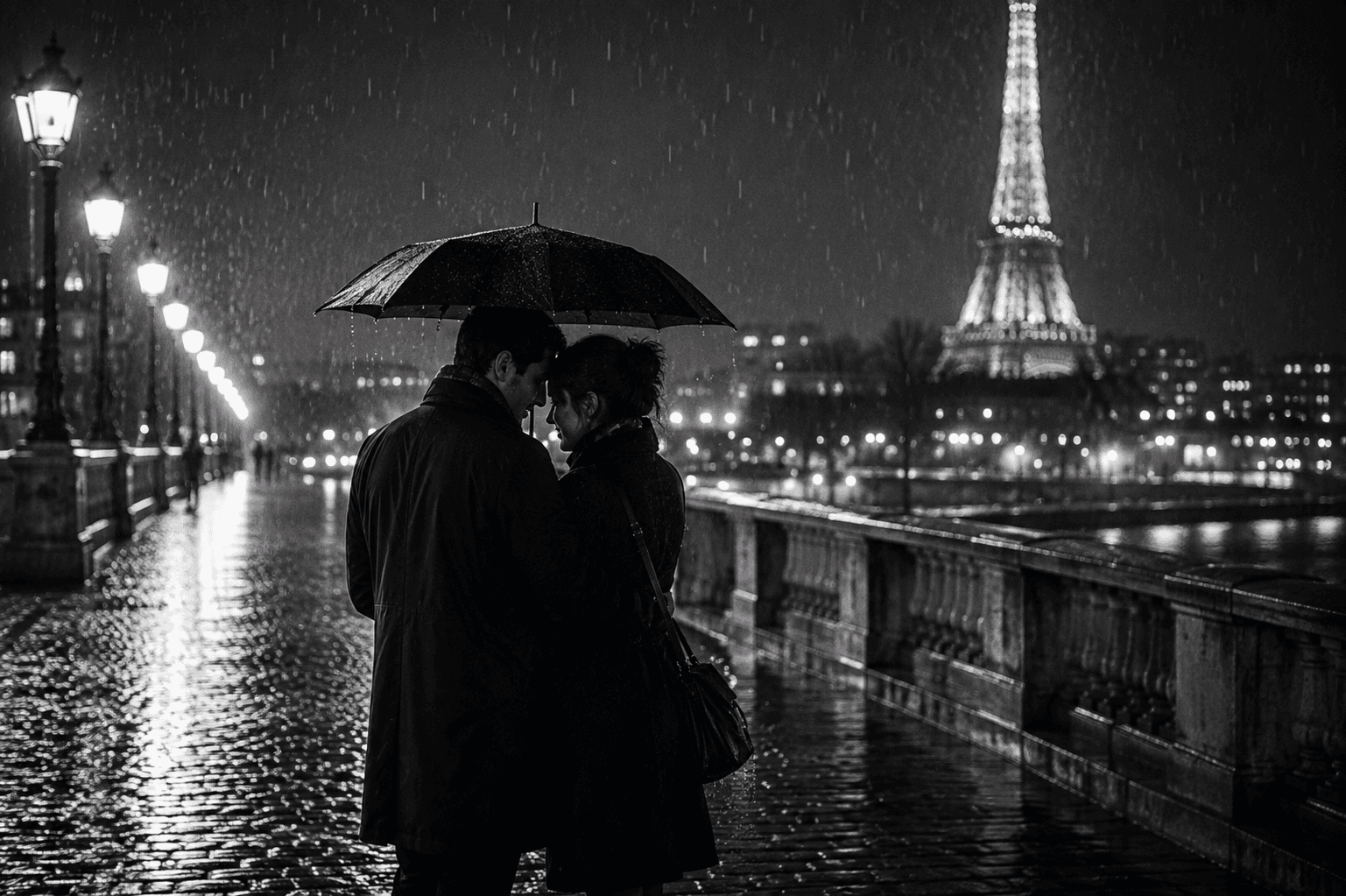
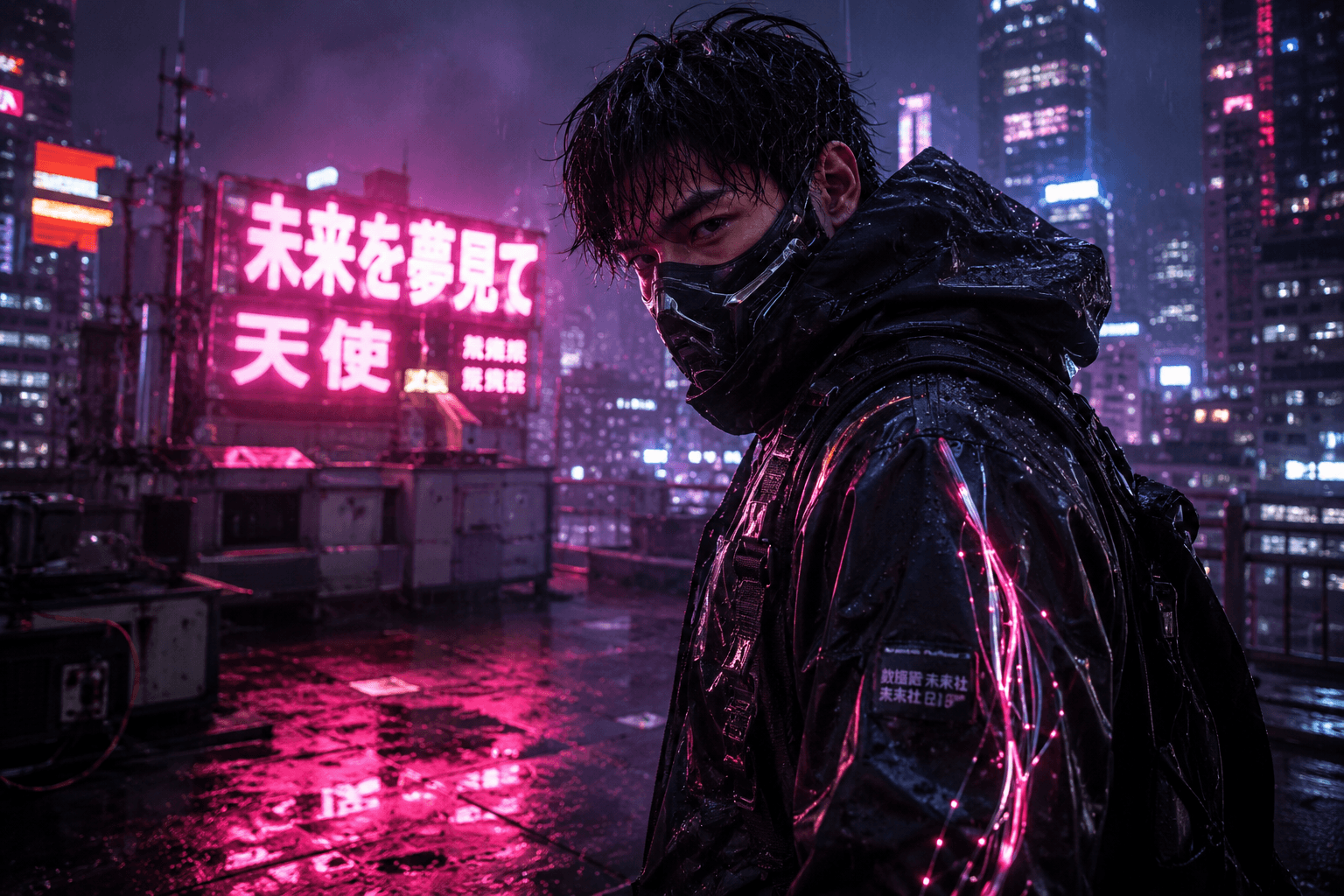
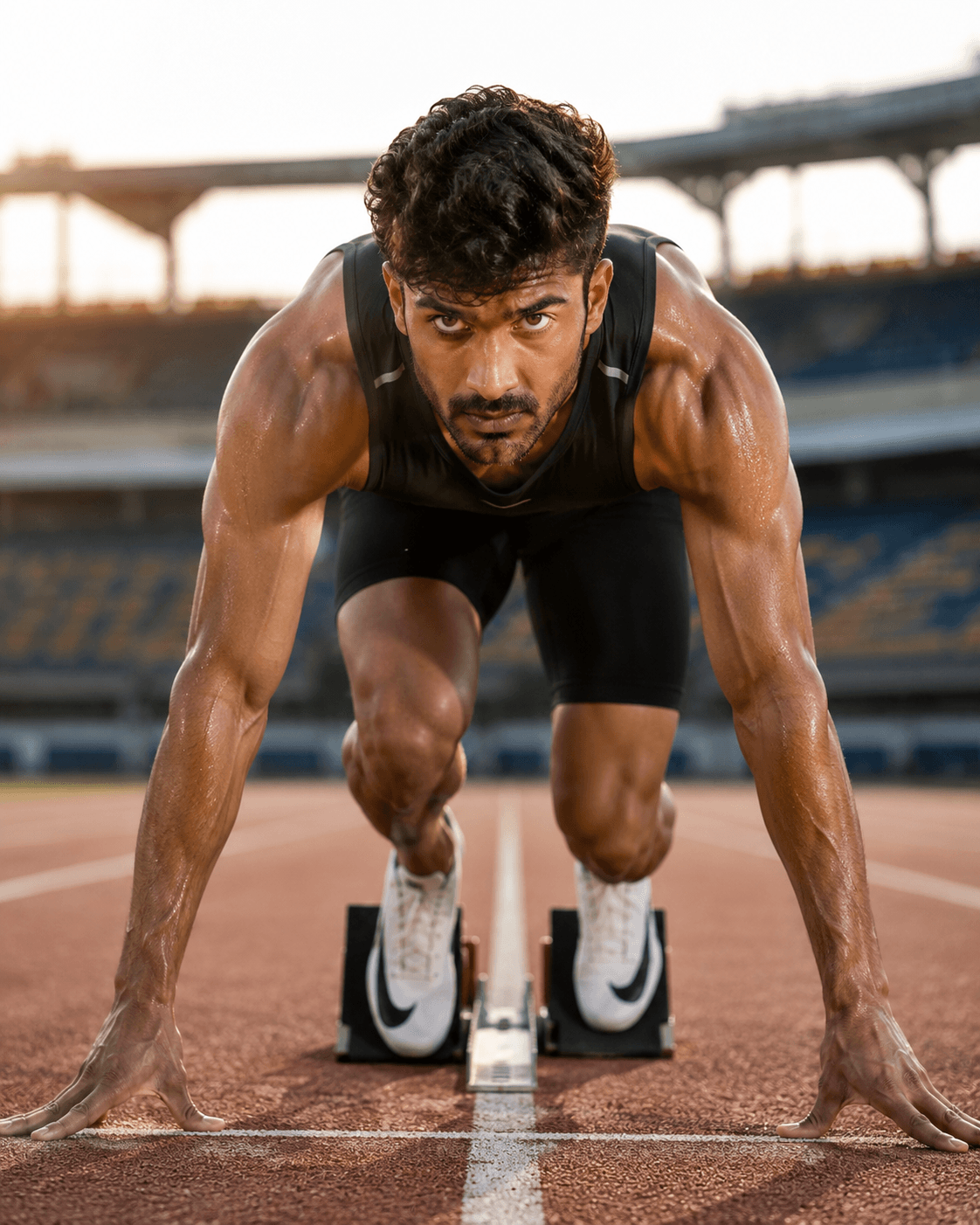
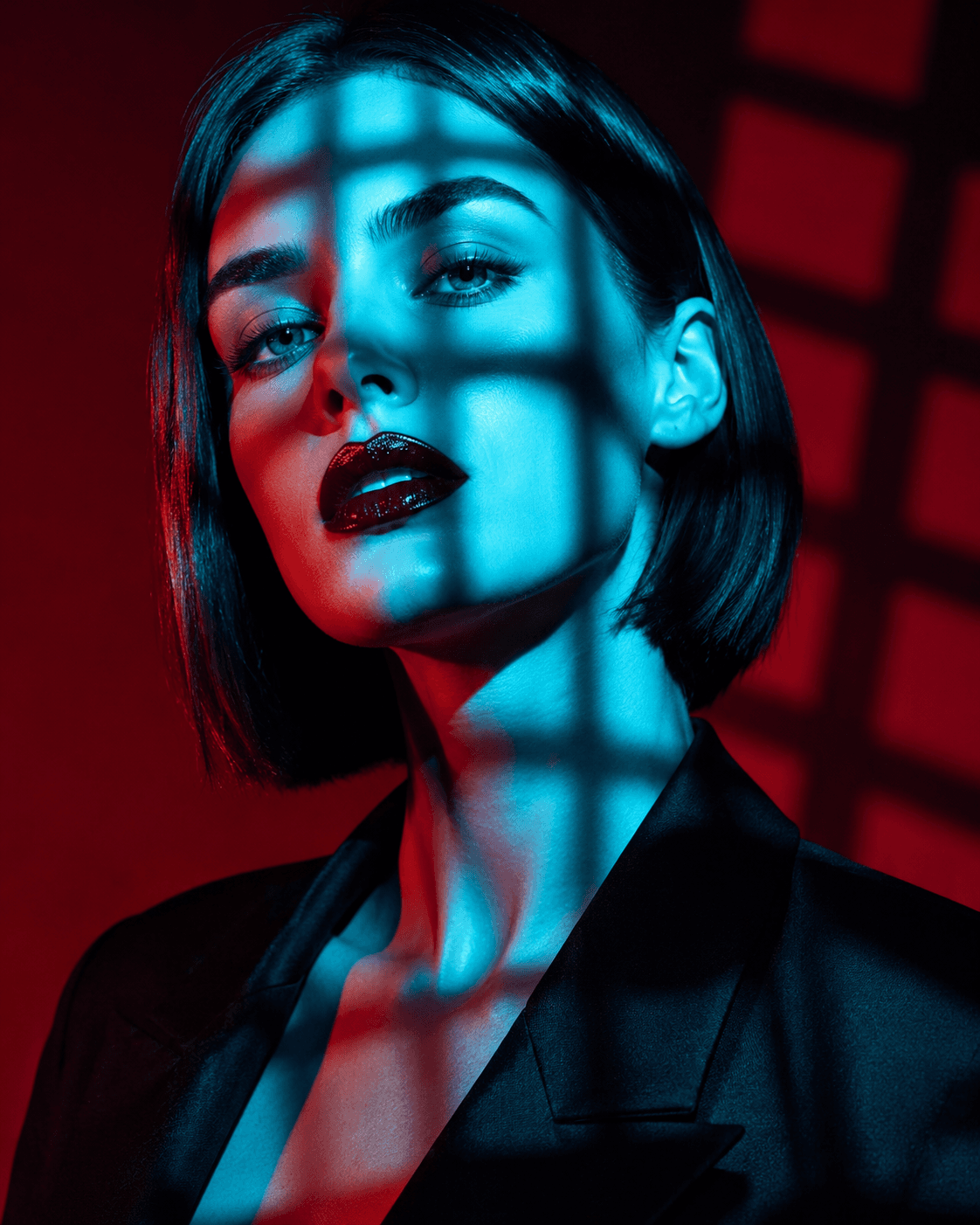
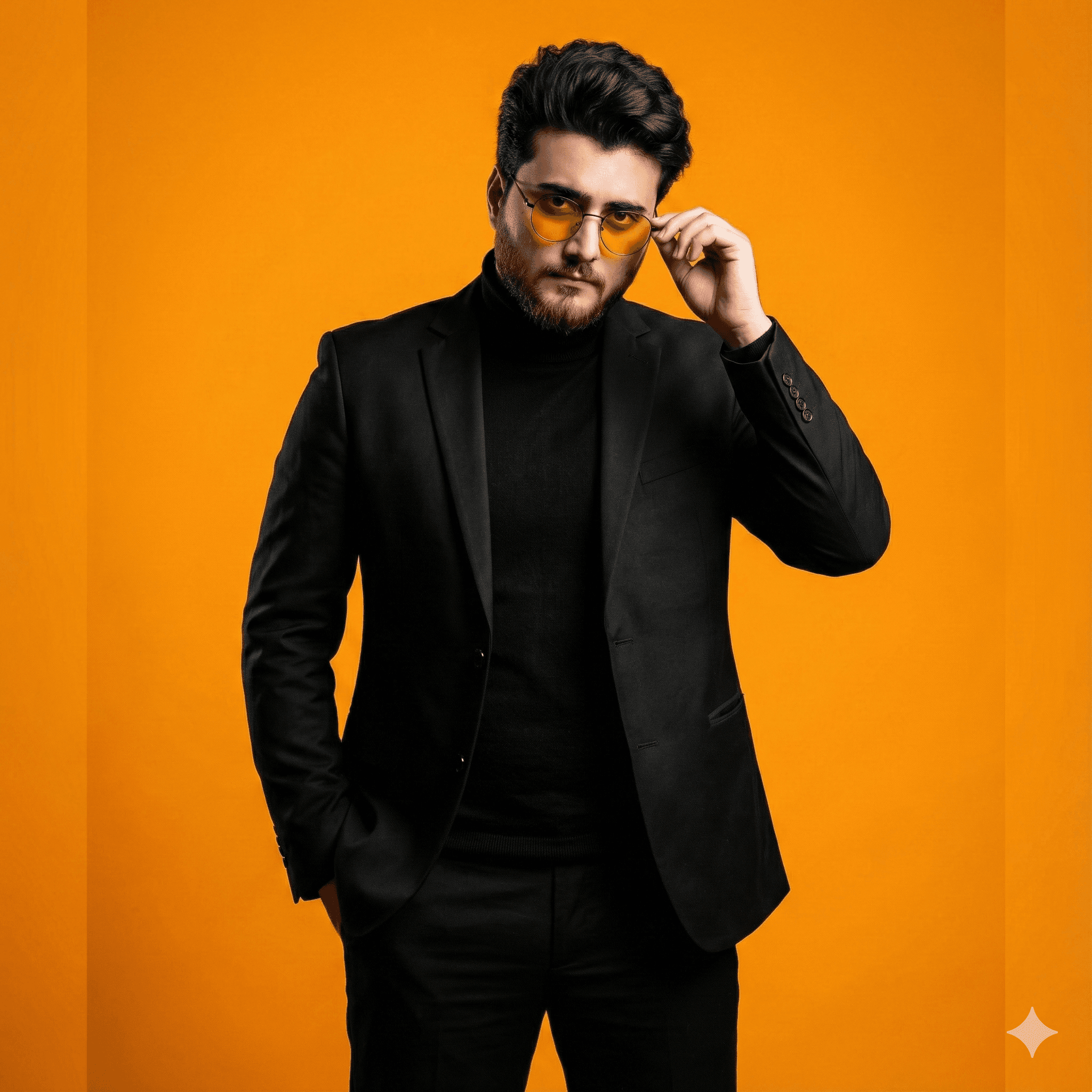
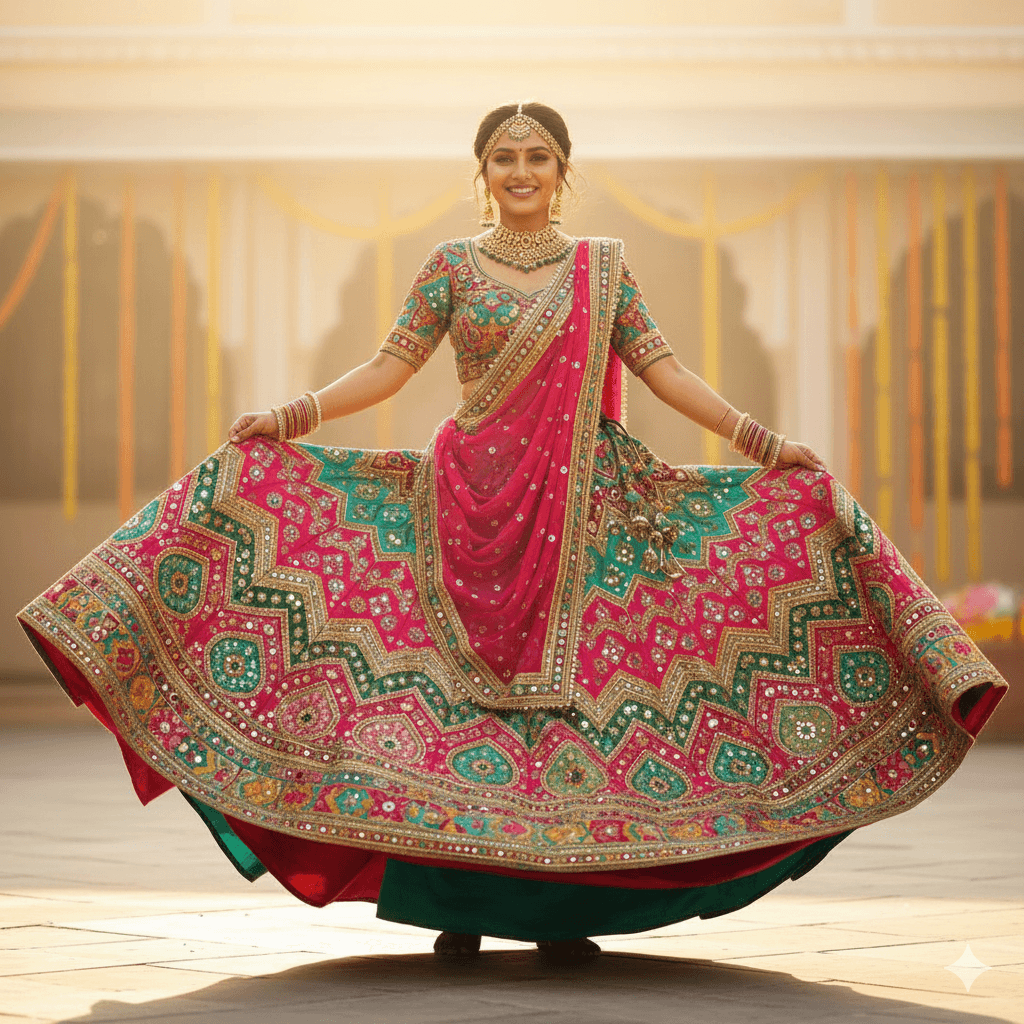
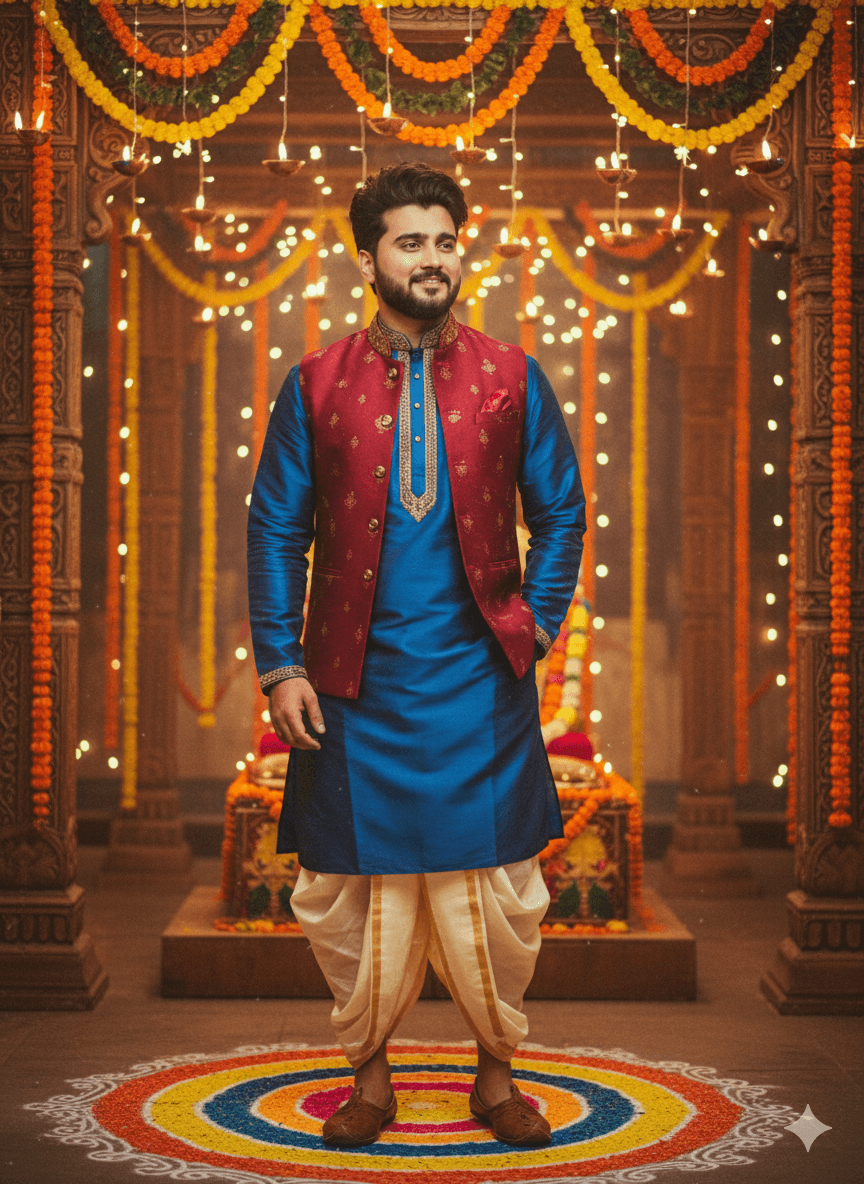
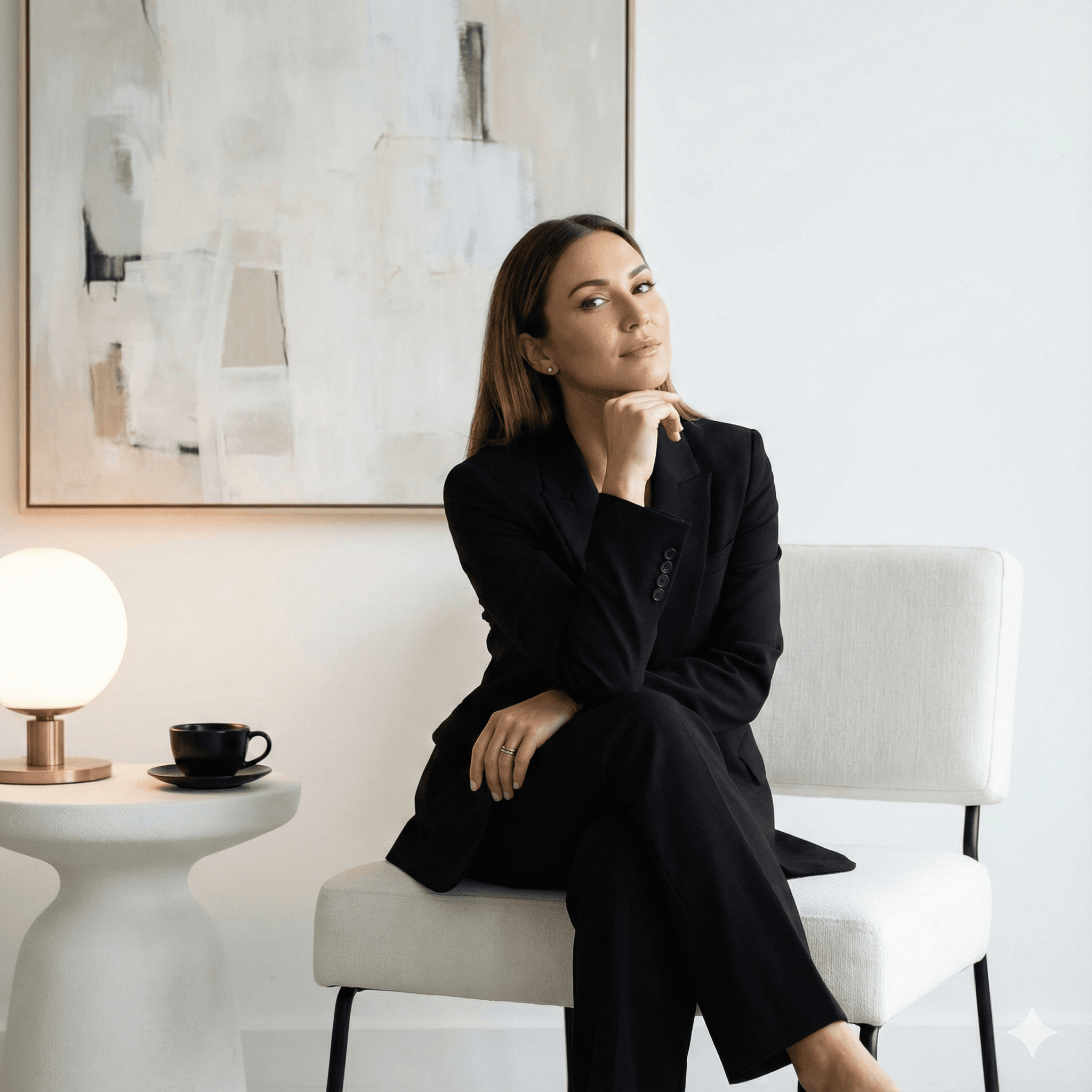
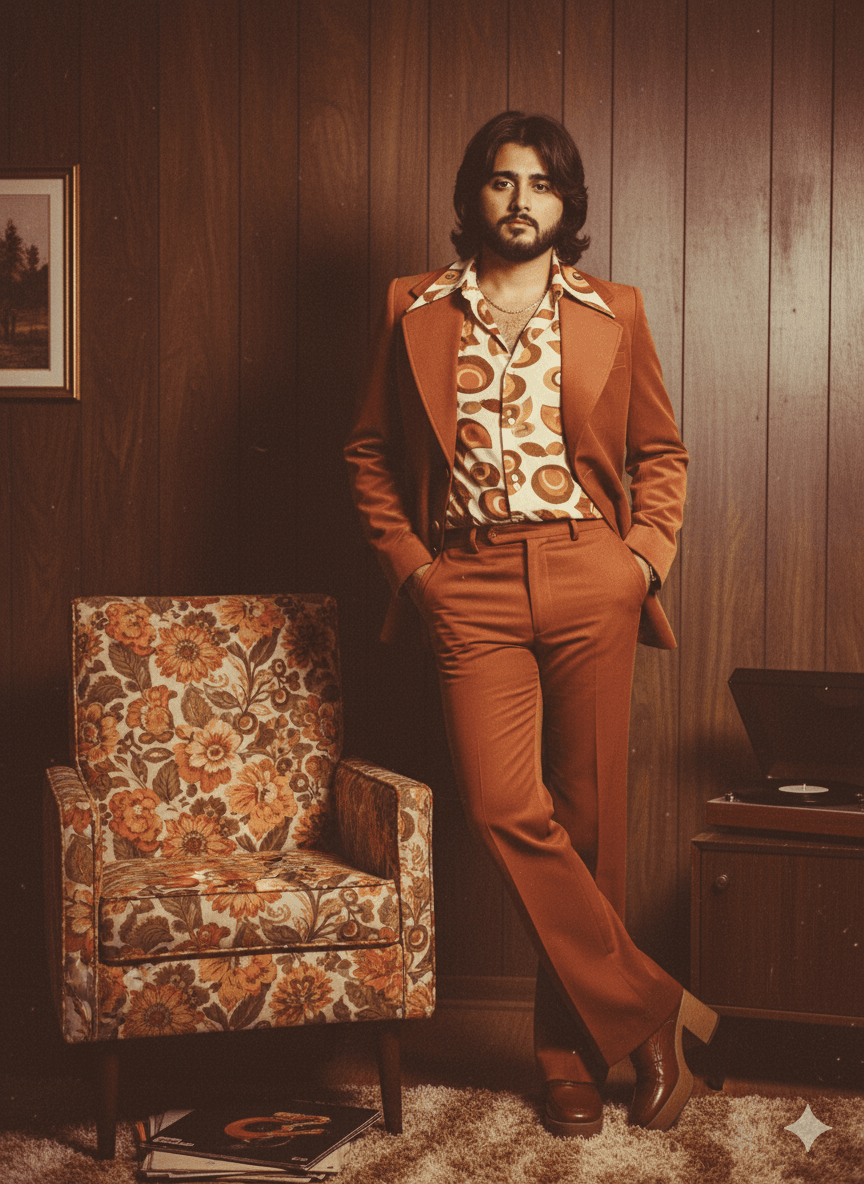
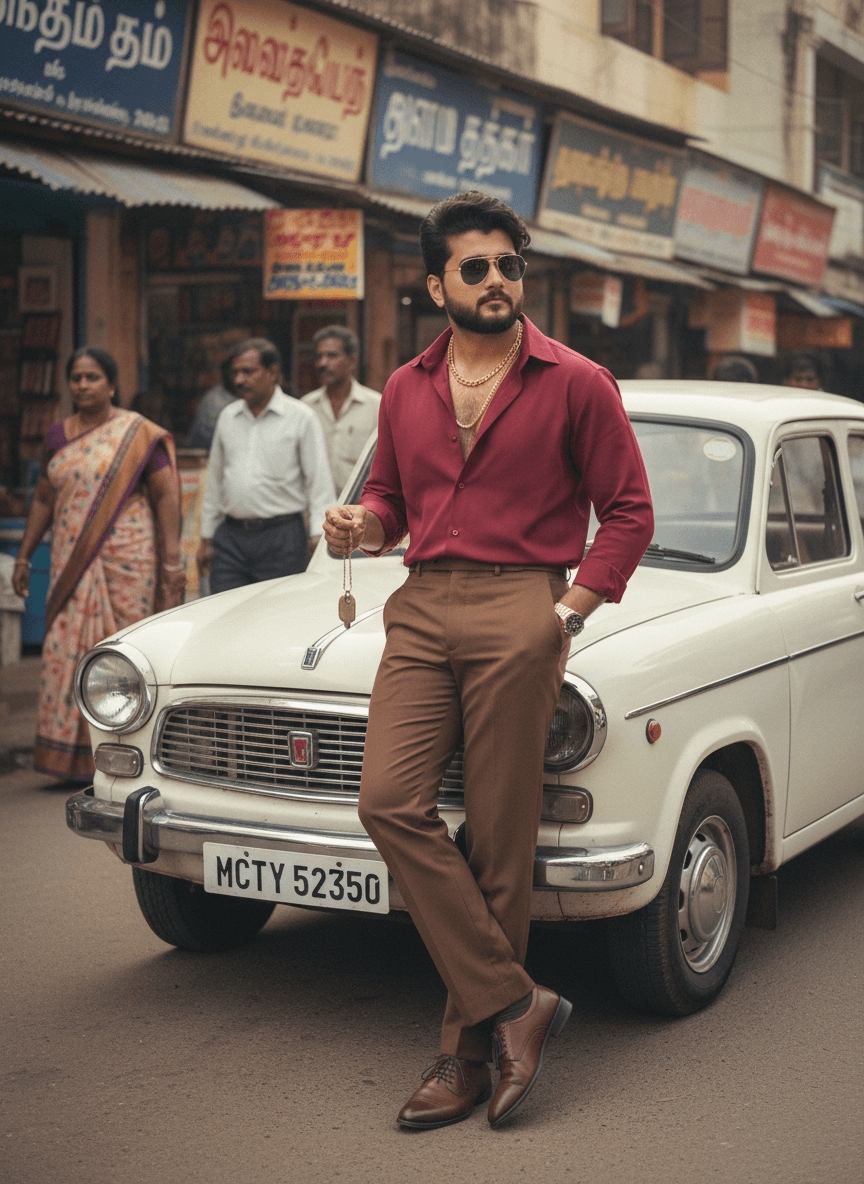
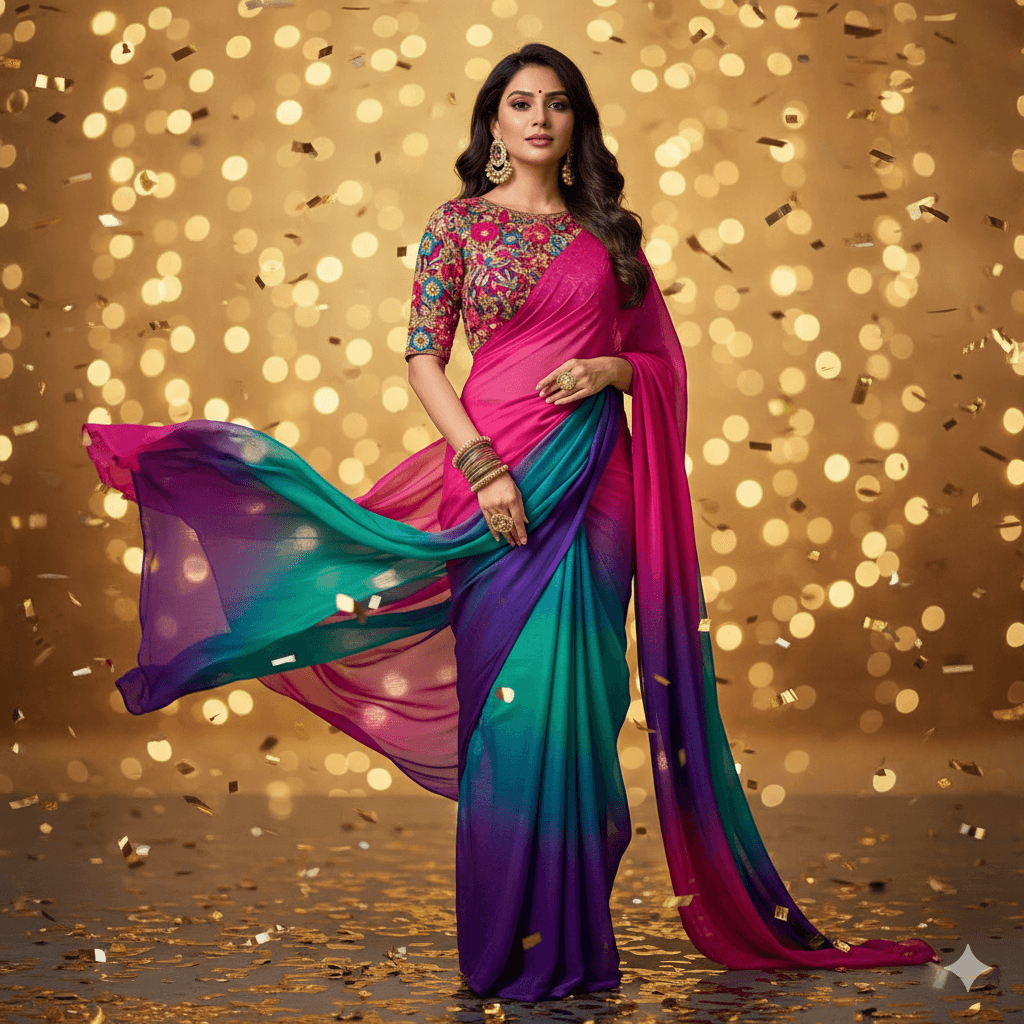
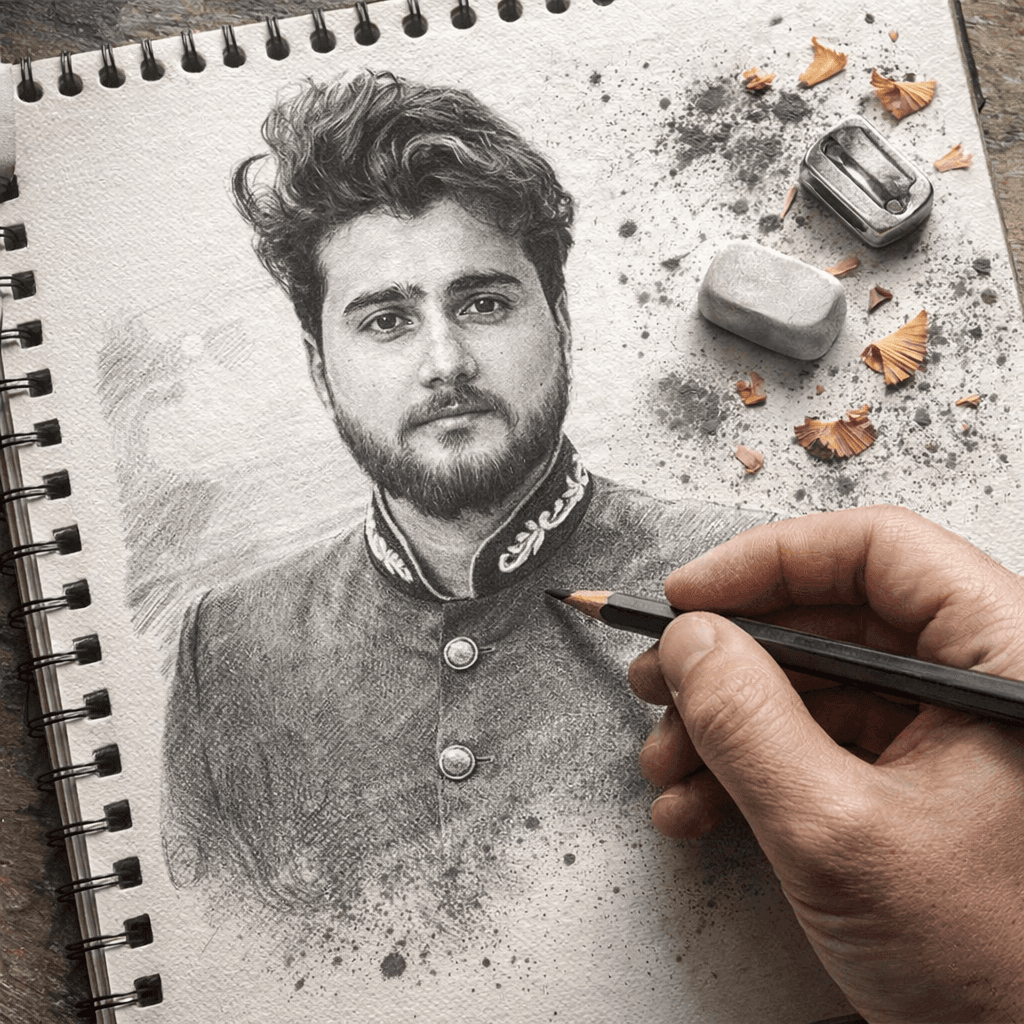
Midjourney prompts with the resulting image attached to each, so you can pick by outcome rather than guess from the text. Copy one, paste it into Discord or the Midjourney web app, and tune the parameters from there.
How Midjourney reads a prompt
Midjourney weights the front of a prompt most heavily, so the subject belongs in the first few words and the styling behind it. It also applies a strong aesthetic of its own — it will make a plain description look good without being asked, which is a help on concept art and a hindrance on documentary or product work, where you have to explicitly ask for plainness.
The parameters that actually change the output
Parameters go at the end of the prompt. --ar sets aspect ratio (--ar 3:2 for landscape, --ar 4:5 for portrait) and is the one to reach for first, because framing changes composition more than any adjective. --stylize controls how much of Midjourney's own taste gets applied; lower values follow your wording more literally. --no removes an element. --chaos raises the variation between the four results in a grid. Everything else is refinement.
Getting a consistent look across images
Reusing the same style clause across prompts gets you most of the way to a consistent set — the same film stock, the same lighting, the same lens. For tighter consistency, use a style reference with --sref and keep the reference fixed while the subject changes. Describing the same character in words alone will not hold their face steady between generations.