How to Generate AI Images
Generating a good AI image is mostly a writing problem. The tools are close enough in quality that the prompt decides the outcome — this page covers how to pick a generator, how to describe what you want, and what to change when the result is wrong.
Step one: pick a generator
ChatGPT generates images through DALL·E and follows literal instructions most closely, which matters when the arrangement of a scene is the point. Gemini is free to start and the best at putting readable text into an image. Midjourney costs money and produces the most polished-looking results with the least effort. Stable Diffusion runs on your own machine and gives you the most control in exchange for the most setup. For a first image, use Gemini.
Step two: describe four things, not twenty
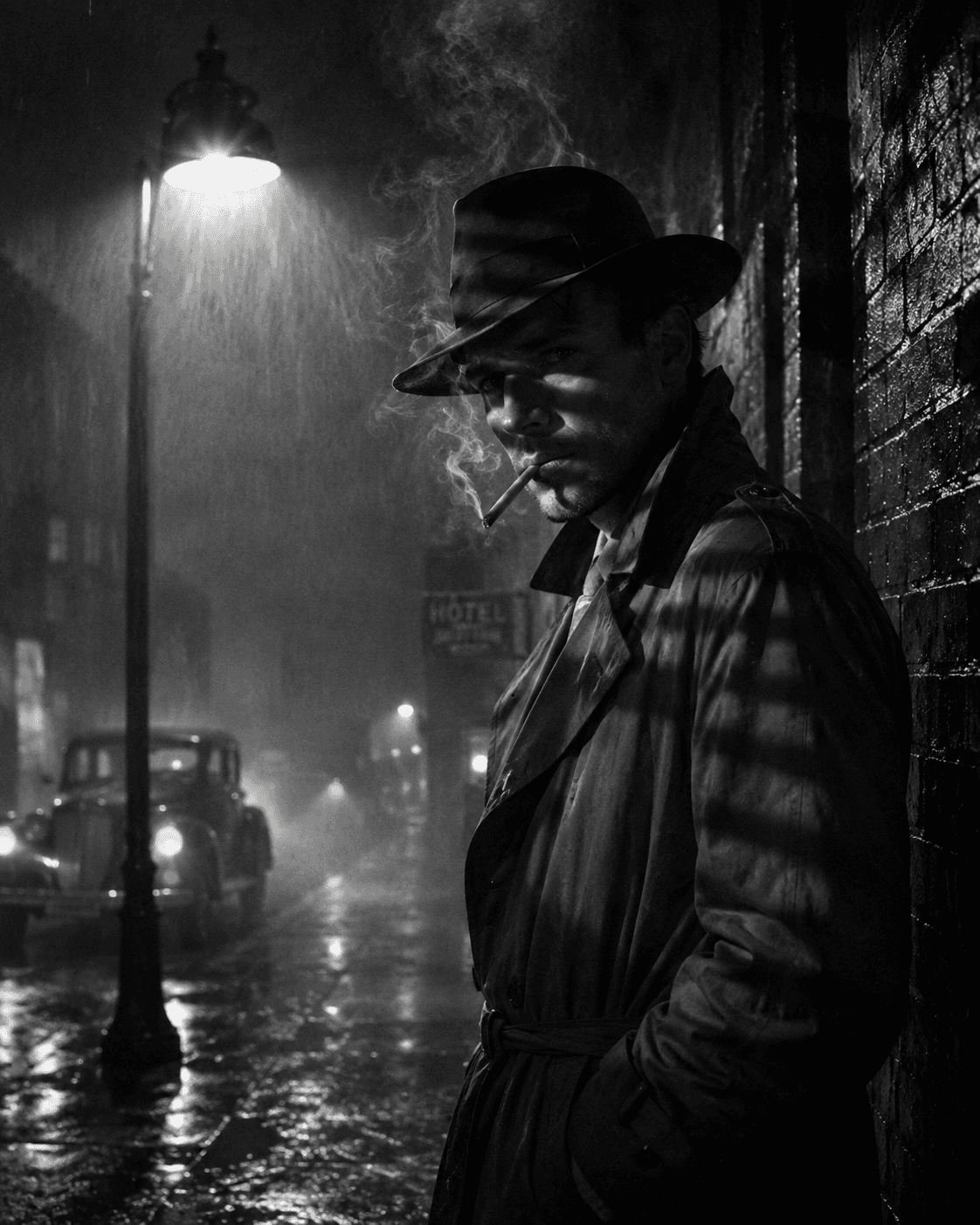
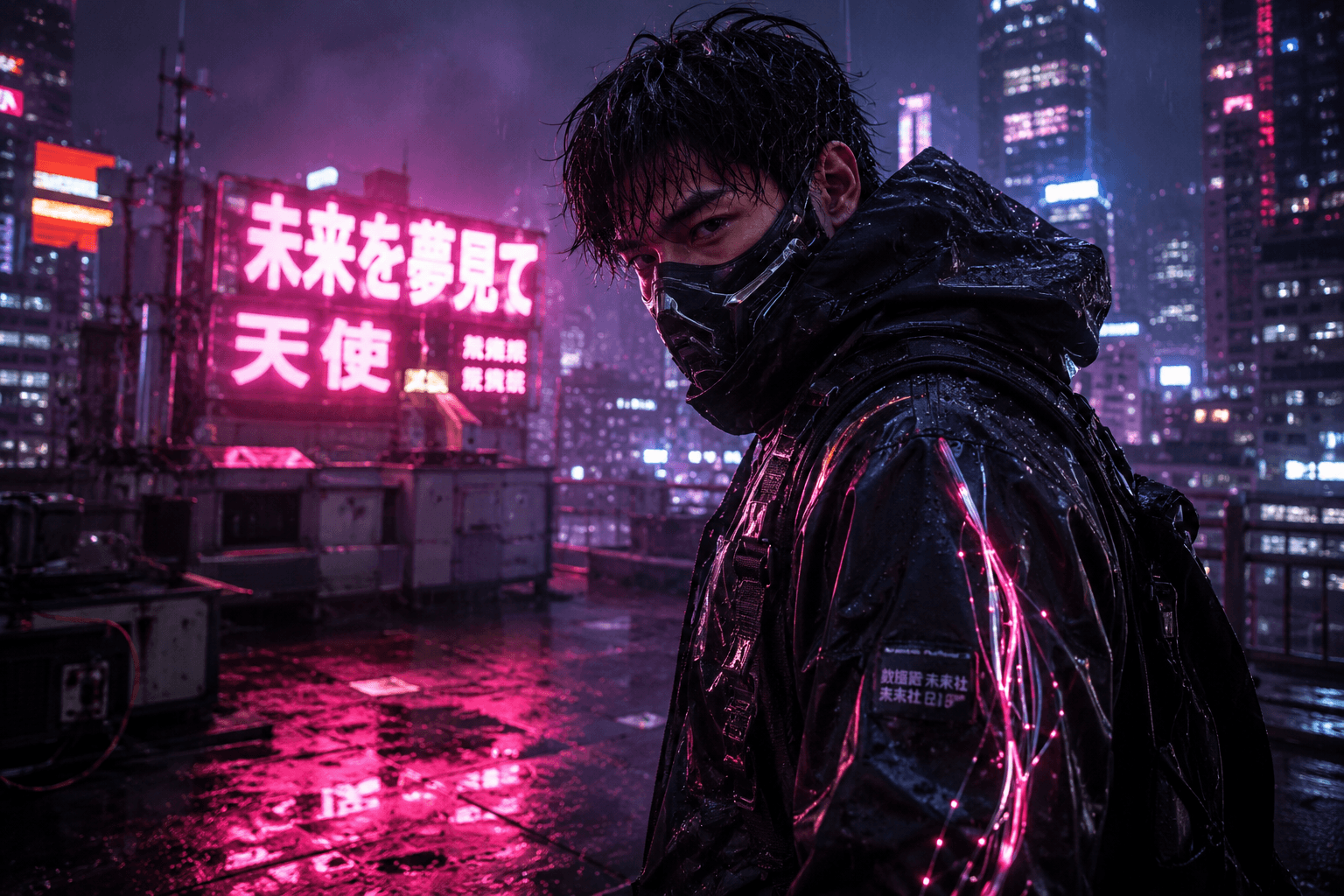
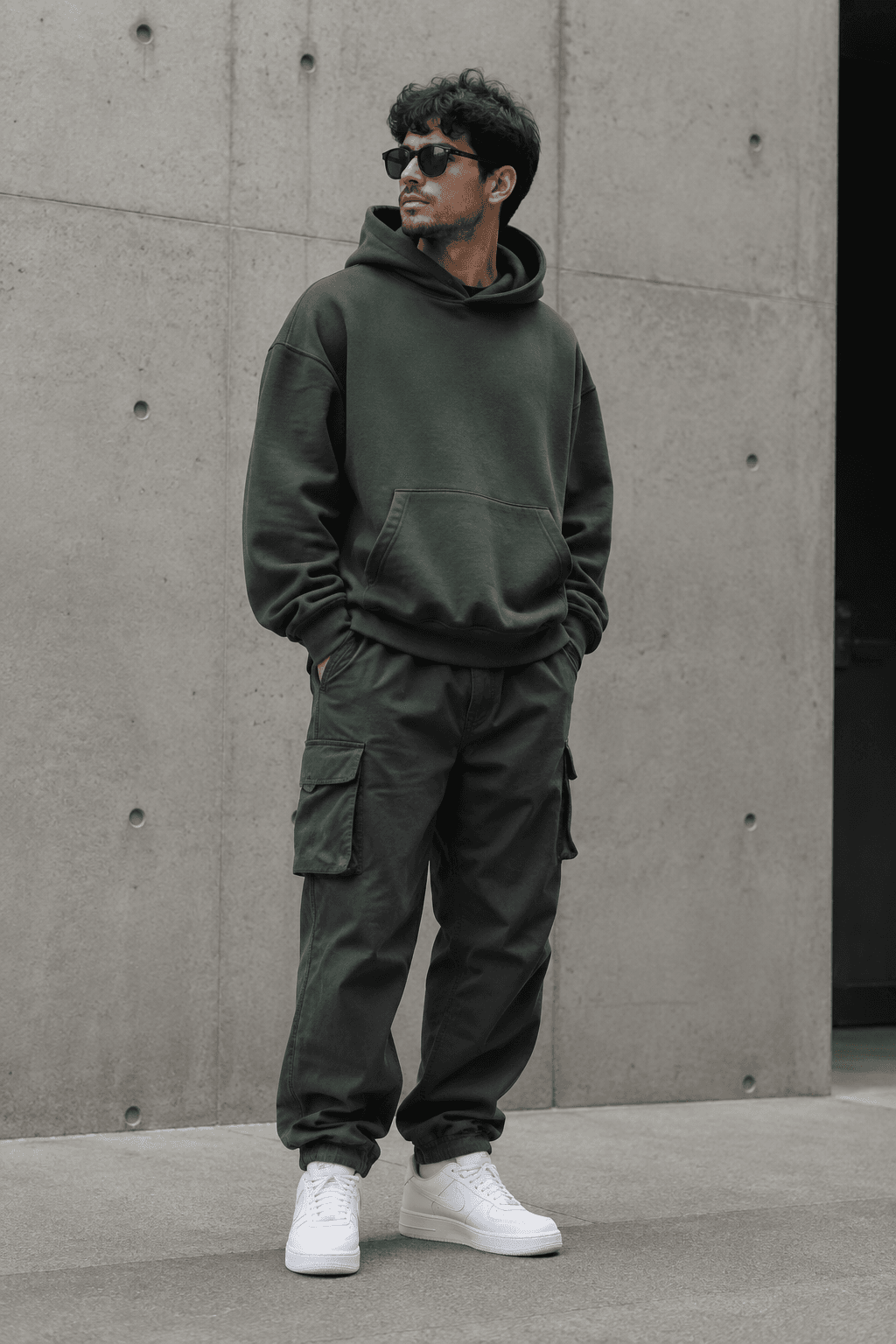
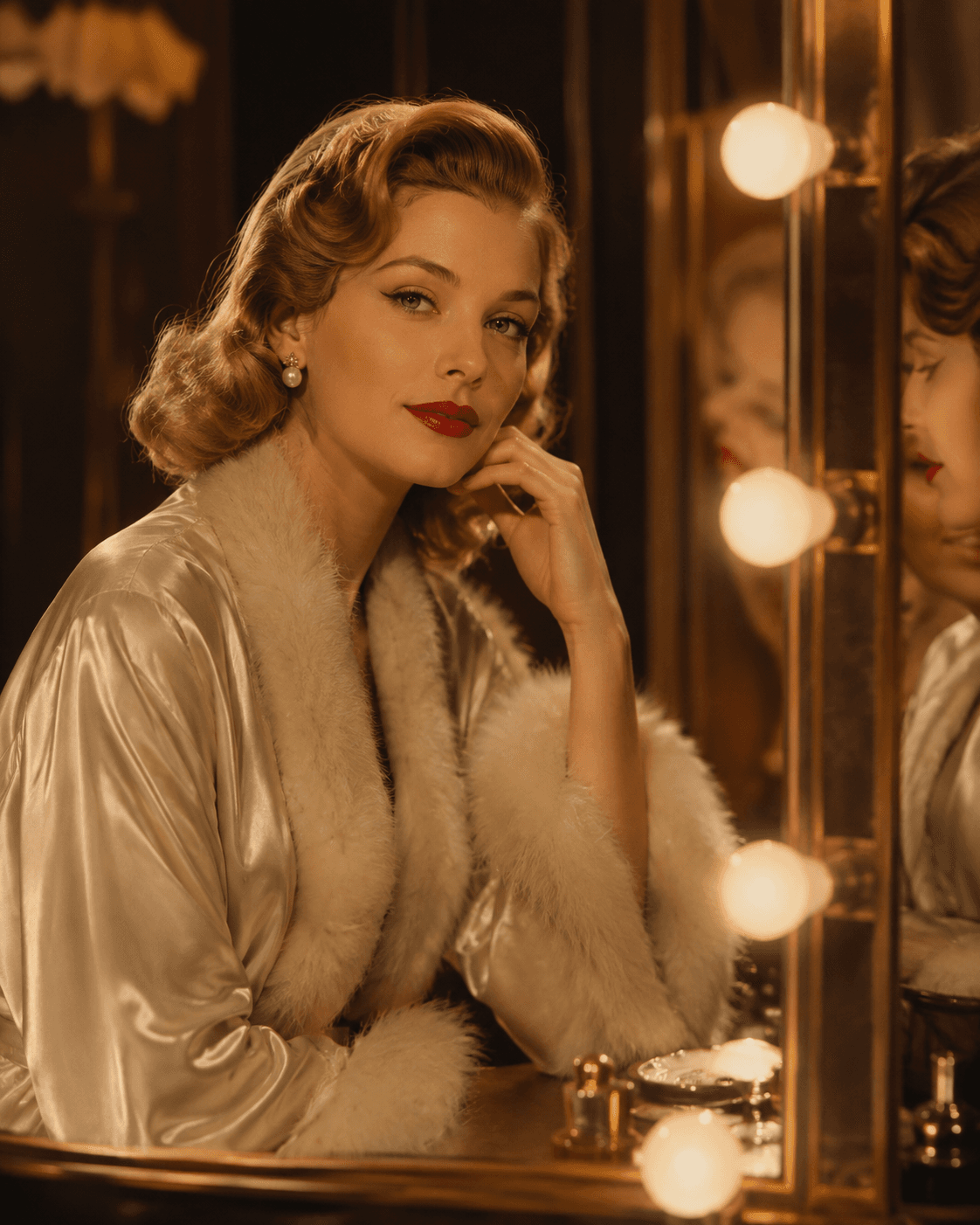
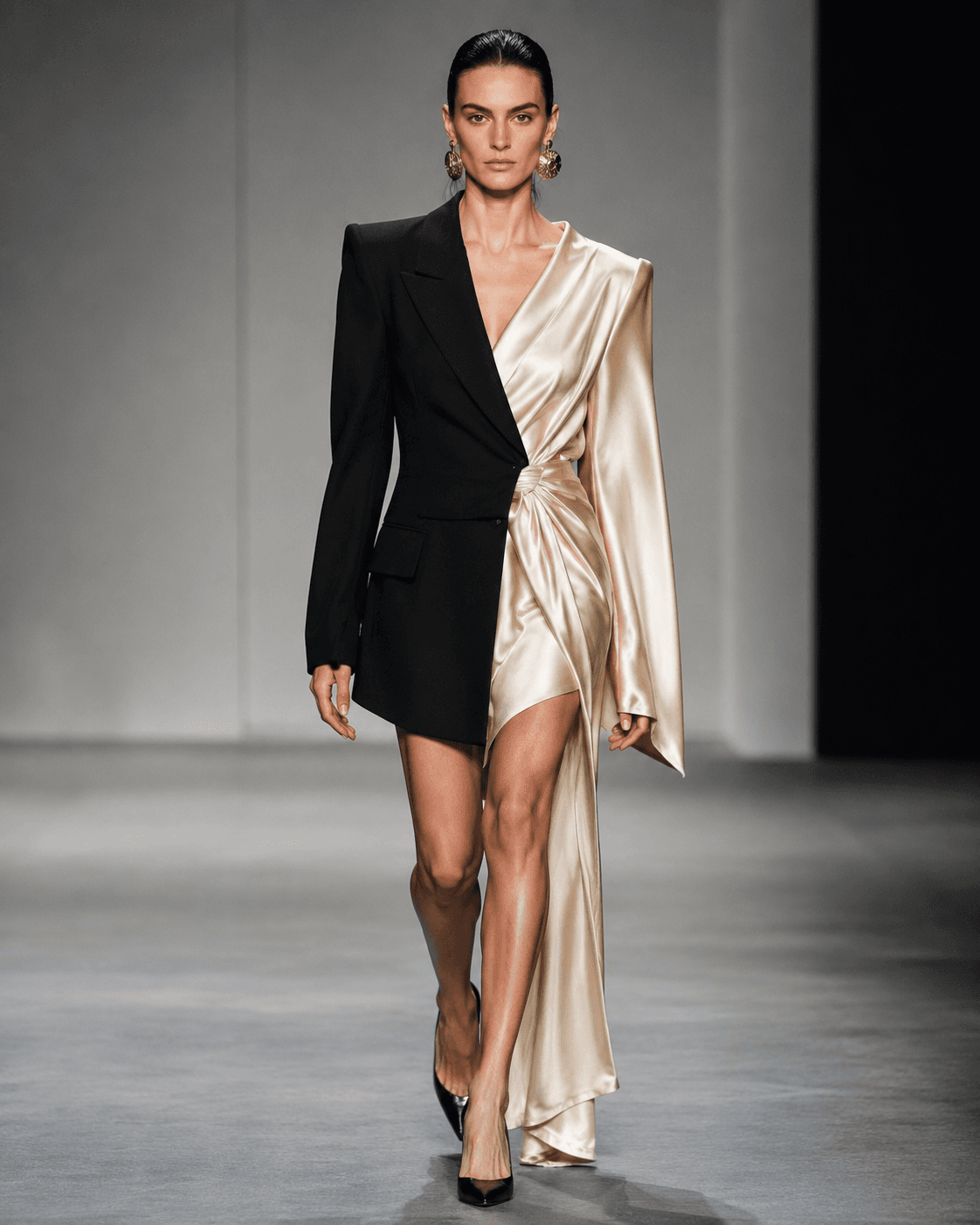
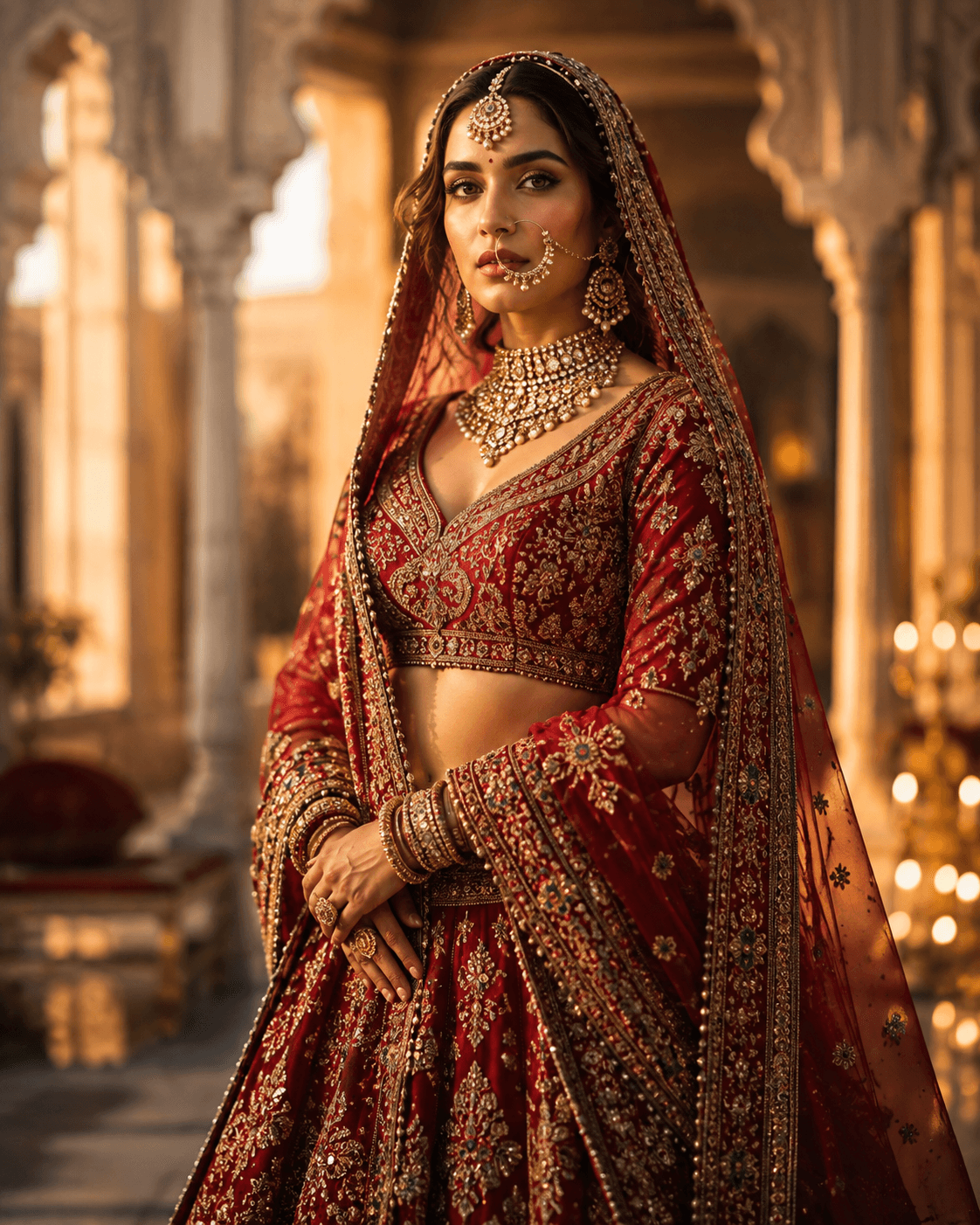
A prompt that works names the subject, the setting, the lighting and the medium. Beginners usually fail in one of two directions: too vague ("a cool robot") or a pile-up of adjectives that contradict each other ("hyperrealistic dreamy minimalist ornate"). Four clear clauses beat twenty competing ones. Add specifics — a real camera, a real time of day, a real art movement — because the model has seen those words attached to actual images.
Step three: fix one thing per run
When an image is wrong, resist rewriting the whole prompt. Too cluttered means cut words, not add "clean". Flat lighting means name a lighting setup. Wrong framing means say close-up or wide shot. Odd hands or faces usually just means run it again — sampling is random, and the next generation often fixes it on its own.
What AI image generators still get wrong
Text inside images is unreliable outside Gemini. Hands, teeth and reflections fail often enough that you should plan to regenerate. Anything requiring exact counts — five people, three windows — is a coin flip. And a specific real person or a copyrighted character will usually be refused or come out approximate. These are limits of the models, not of your prompt, and no amount of rewording fully solves them.