Gemini AI Image Prompts

Prompts written for Google Gemini, including the photo-editing style prompts that take an image you upload and return an edited version. Copy any one of them and paste it into Gemini as-is.

Gemini prompts to copy

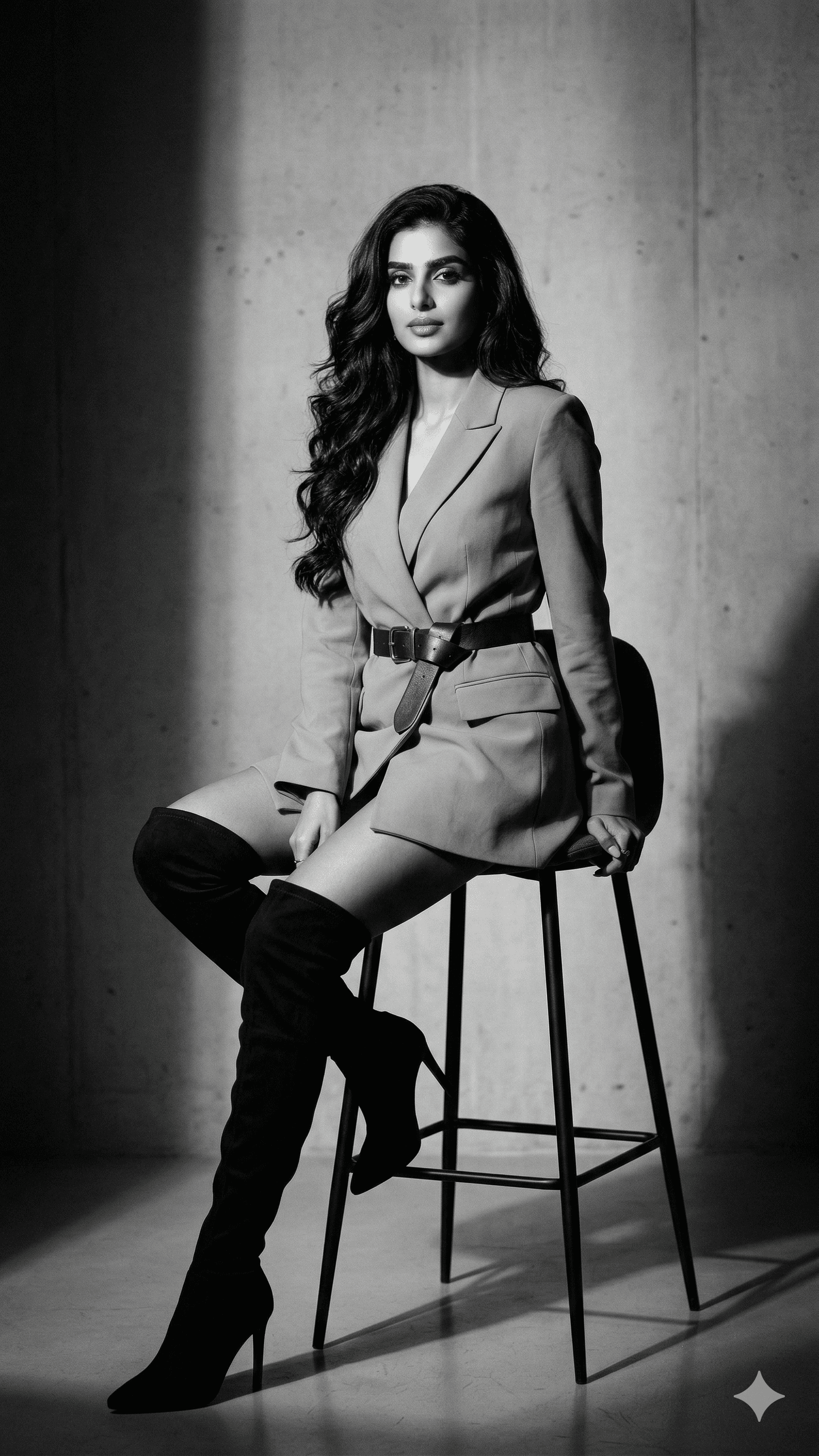
Elegant Black and White Fashion

Elegant Black and White Fashion

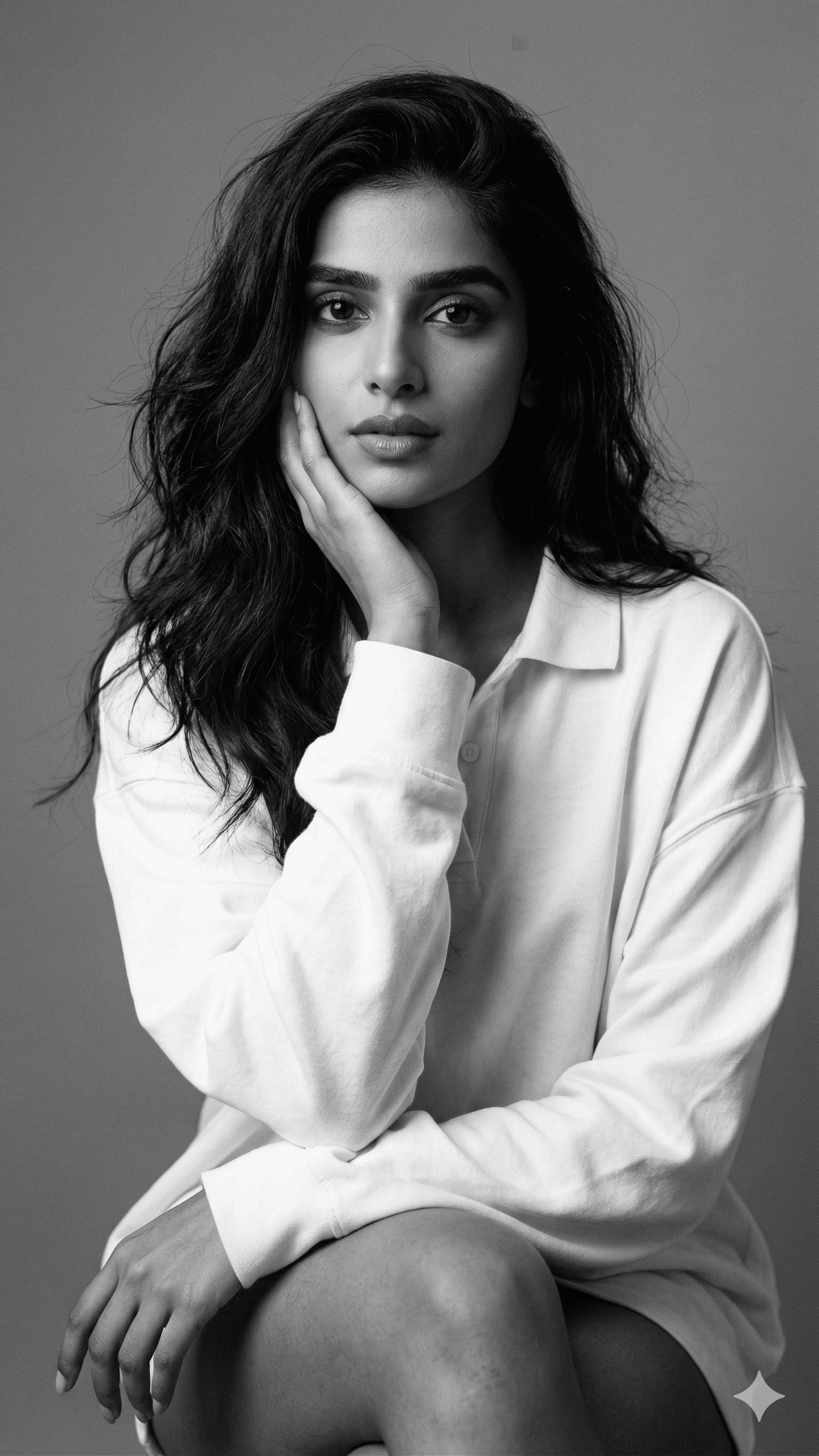
Black and White fine art style

Black and White fine art style

Black and white fine art style portrait of a young woman, with long, slightly messy hair framing her delicate face, smoo...

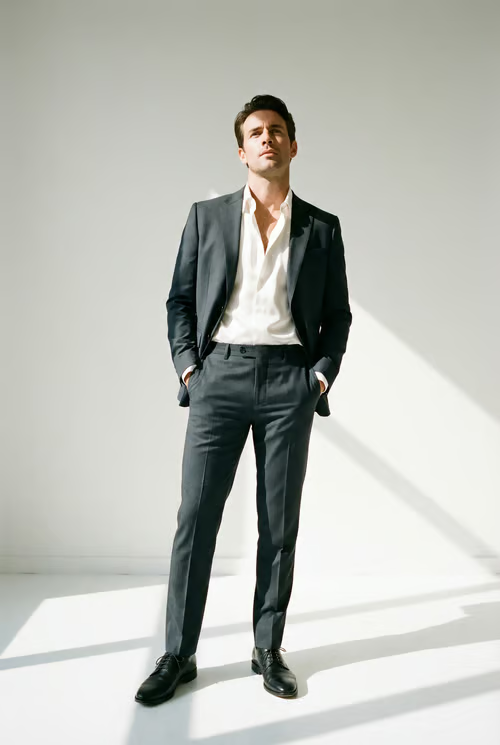
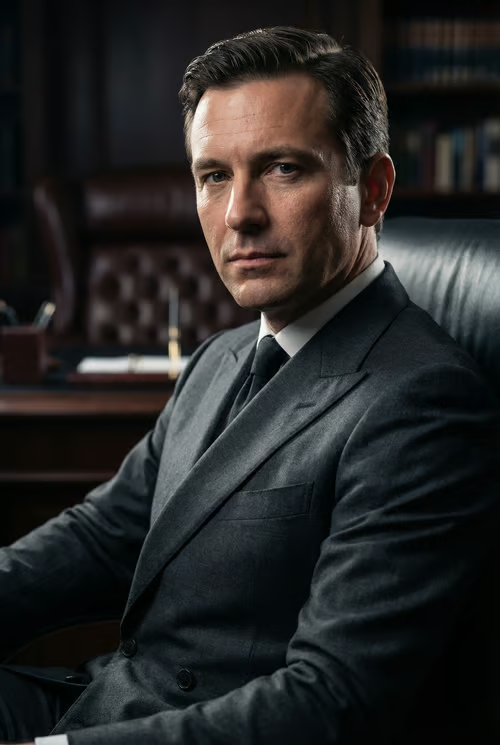
Male Executive Headshot

Male Executive Headshot

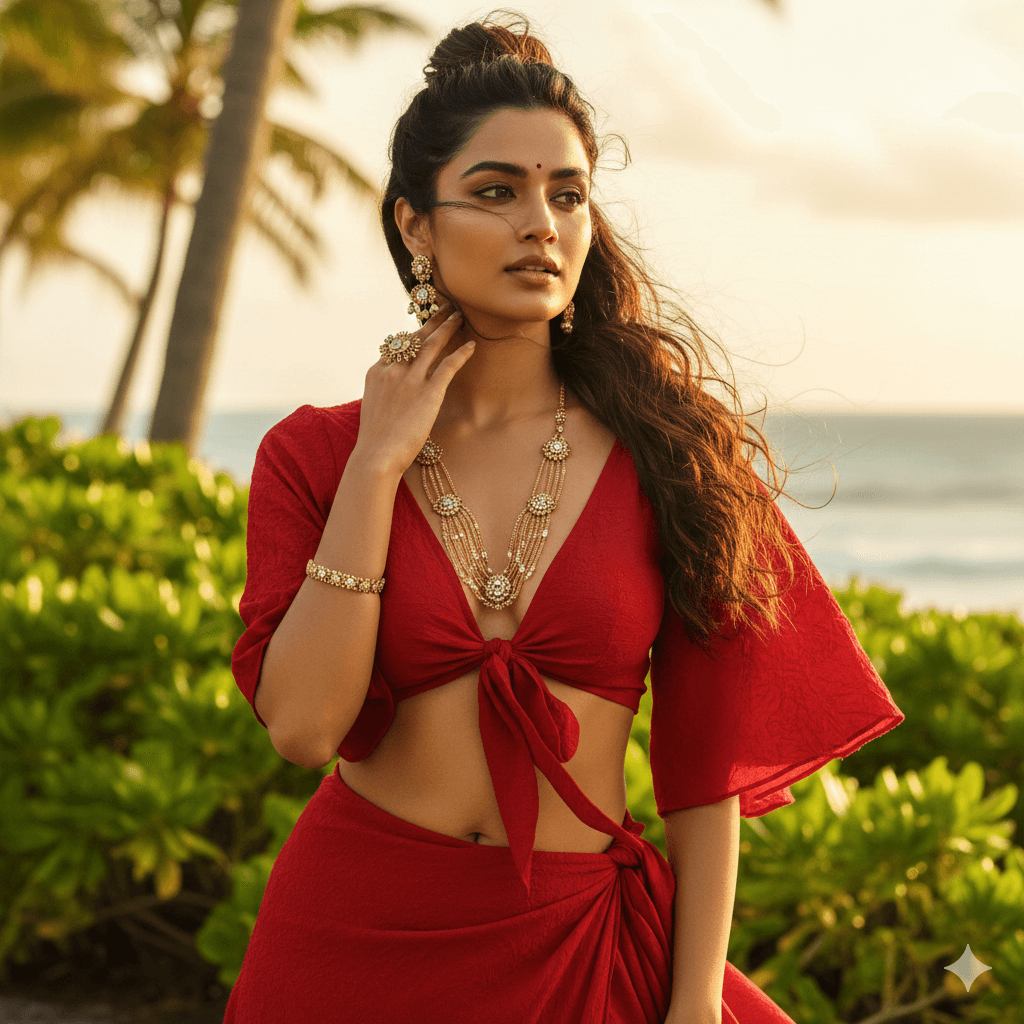
Indian Beach Girl

Indian Beach Girl

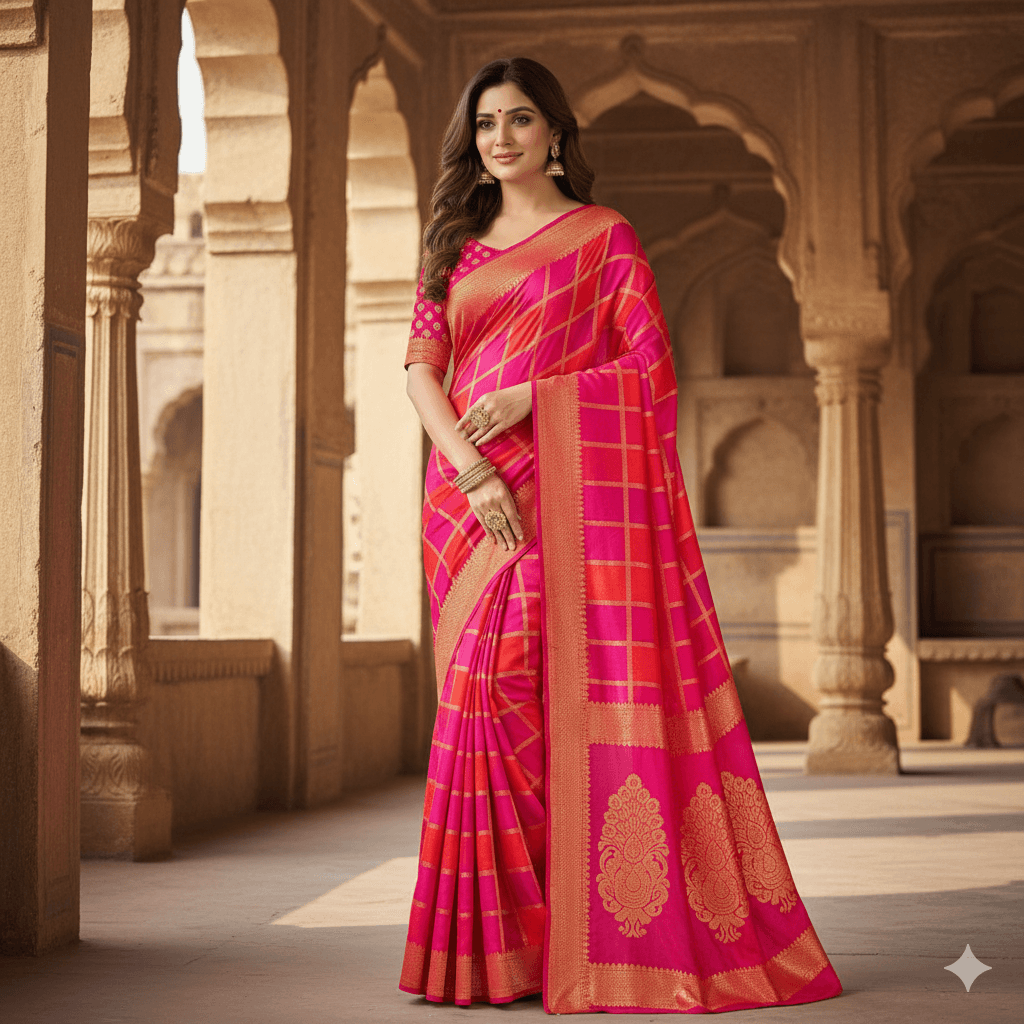
Bright and Vibrant

Bright and Vibrant

Create a digital image of a woman wearing a bright, vibrant saree that has a geometric checkered pattern in shades of pi...

Elite Business Portrait

Elite Business Portrait

Strictly preserve the original face identity and pose. Replace the outfit with a haute couture bespoke suit (Color: Blac...

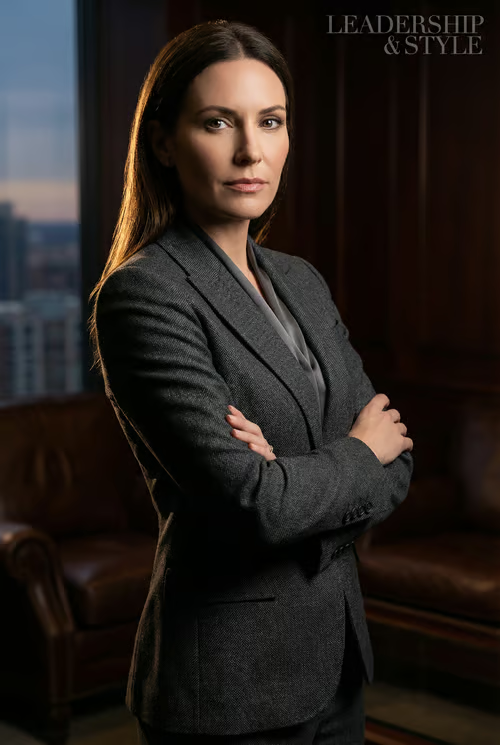
Business Leader Portrait

Business Leader Portrait

Strictly preserve the original face identity and pose. Replace the outfit with a haute couture bespoke suit (Color: Blac...

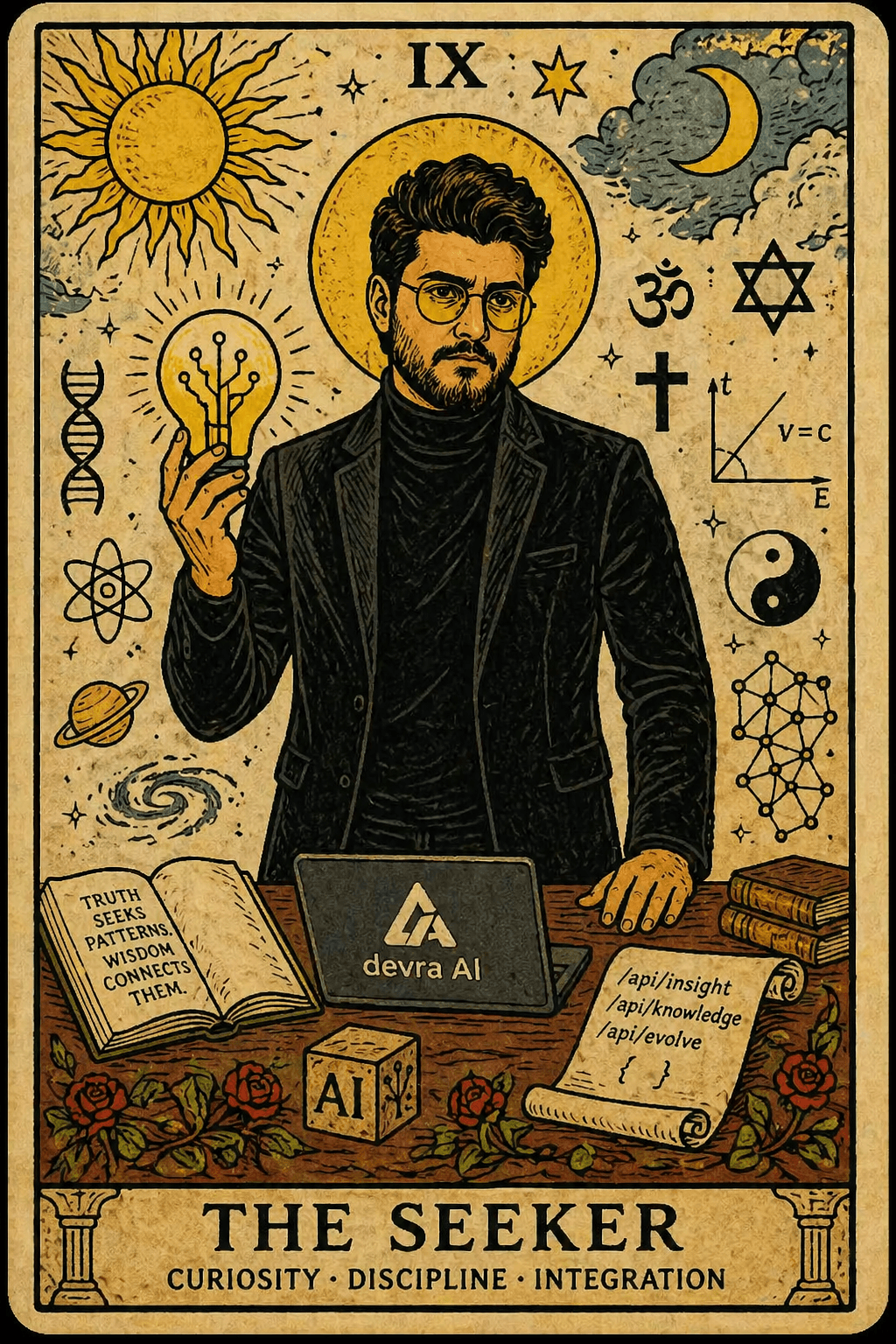
Tarot Card

Tarot Card

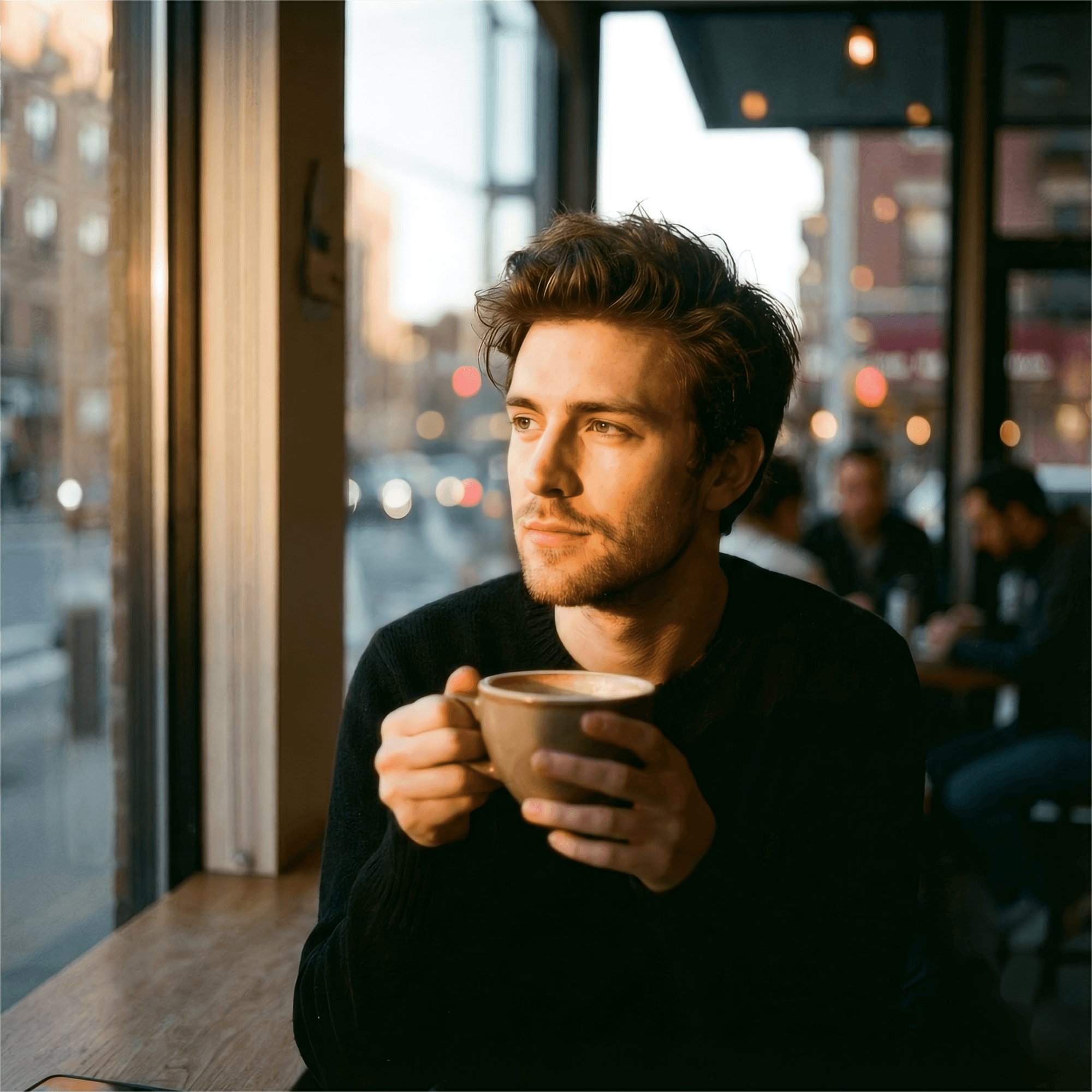
Modern Male Portrait

Modern Male Portrait

Keep the facial features of the person in the uploaded image exactly consistent . Style : A cinematic, emotional portrai...

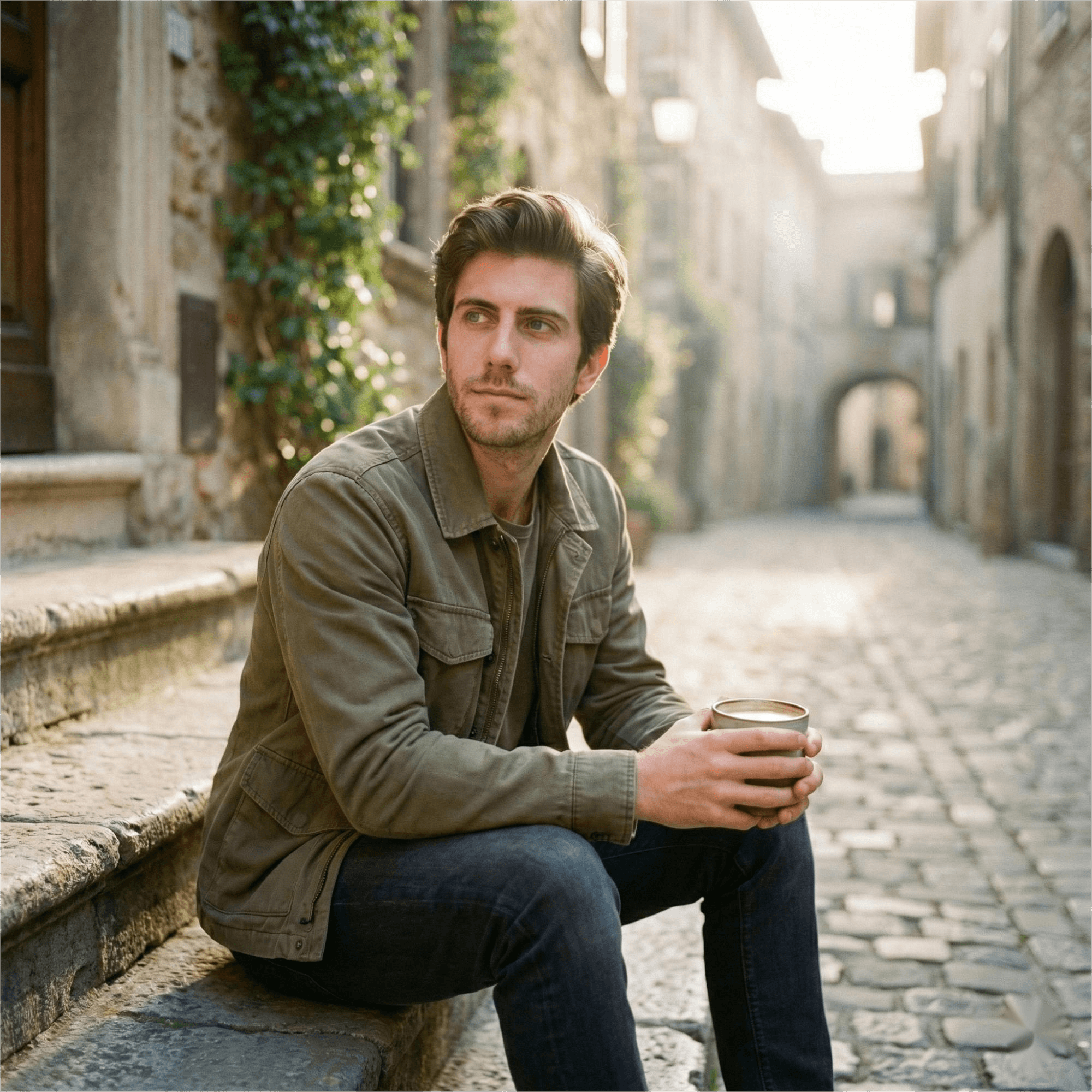
Artistic Male Portrait

Artistic Male Portrait

Photorealistic cinematic portrait, same face, sitting on old stone steps in a quiet historic alley in early morning soft...

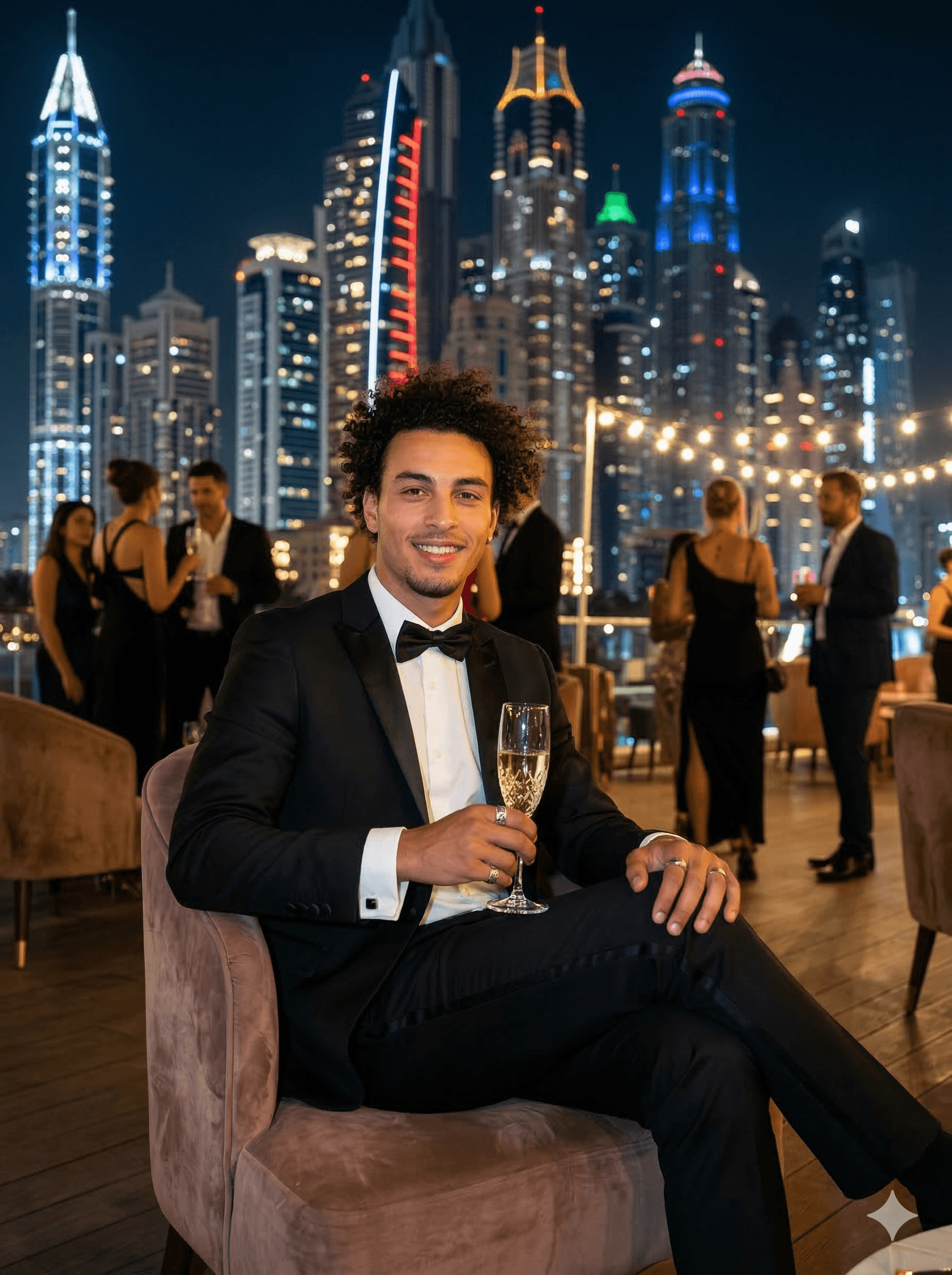
Elegant tuxedo holding a glass of champagne

Elegant tuxedo holding a glass of champagne

A man in an elegant tuxedo holding a glass of champagne, sitting casually on a luxury rooftop lounge with city skyscrape...

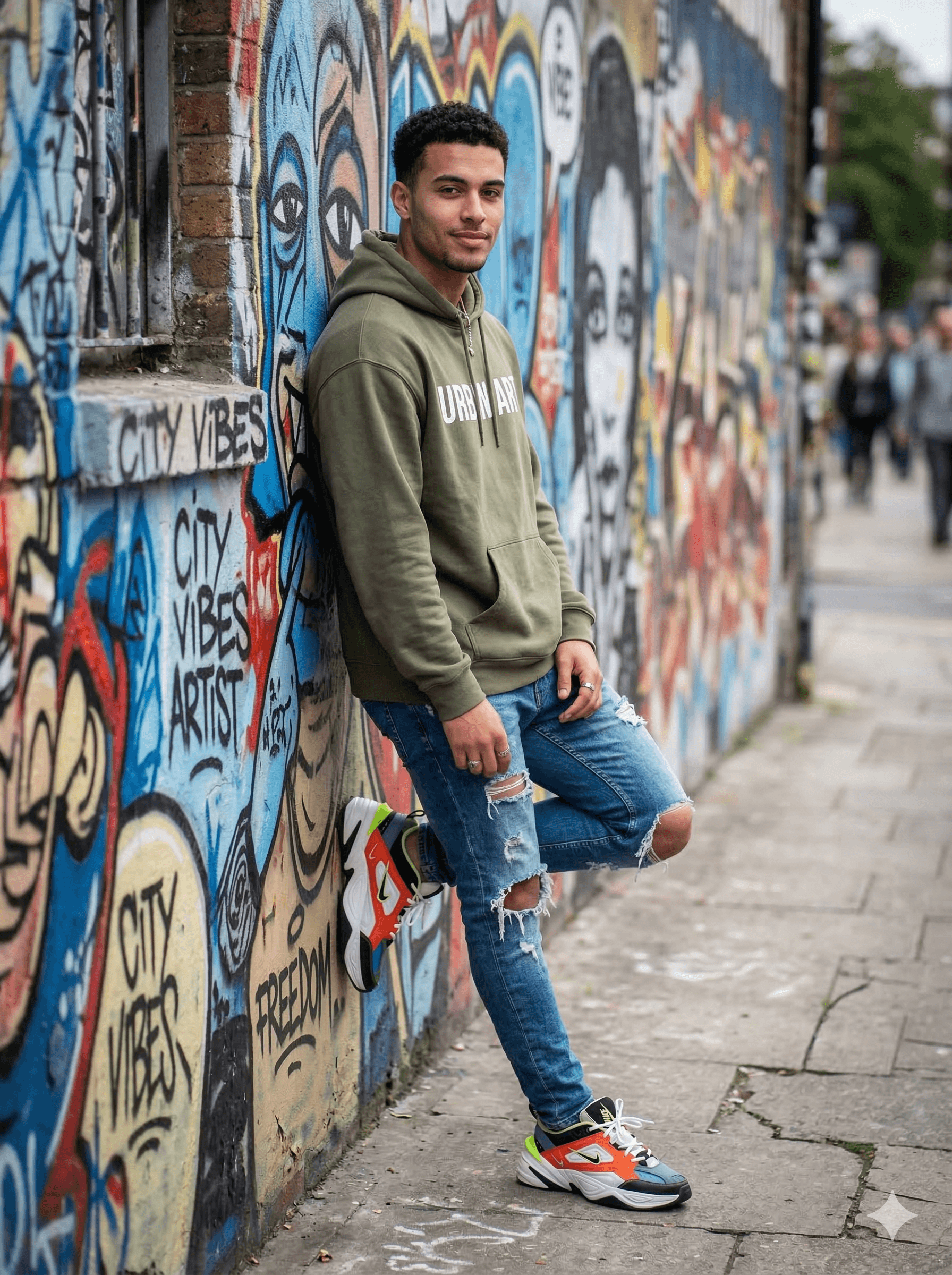
Streetwear, Oversized hoodie, Ripped jeans

Streetwear, Oversized hoodie, Ripped jeans

A man in trendy streetwear, oversized hoodie, ripped jeans, and sneakers, leaning casually against a graffiti wall with ...

Explore the full library 1,000+ prompts, all free to copy.

Gemini AI Image Prompts: step by step

  1. 1

    Open Gemini

    Go to gemini.google.com and start a new chat.

  2. 2

    Upload your photo, if the prompt edits one

    Editing prompts need a source image. Attach it before sending the prompt.

  3. 3

    Paste the prompt

    Copy any prompt below and send it unchanged the first time.

  4. 4

    Refine in follow-up messages

    Gemini keeps the conversation, so you can say "make the background darker" instead of rewriting the whole prompt.

What Gemini is unusually good at

Gemini is currently the most reliable of the mainstream models at two things: rendering readable text inside an image, and editing a photo you give it rather than inventing one from nothing. That makes it the right choice for posters, packaging mockups, UI screens, infographics and anything where a word has to come out spelled correctly. Midjourney will usually produce the more striking picture; Gemini will produce the one where the label is legible.

Editing prompts versus generation prompts

A generation prompt describes an image that does not exist yet. An editing prompt describes a change to one you upload — restyle this portrait, change the background, show this outfit in three colourways. Editing prompts need to name what to keep as clearly as what to change, otherwise the model redraws the whole frame. The editing prompts in this collection are written that way, which is why the face stays recognisable.

Getting text to come out right

Put the exact words you want in quotation marks and state where they should sit in the frame. Keep it to a few words: accuracy falls off quickly past a short headline. If a letter comes out wrong, regenerate before rewriting — text rendering varies run to run, and the prompt is often already correct.
Frequently asked questions

Are Gemini AI image prompts free to use?

The prompts here are free to copy. Gemini itself has a free tier that covers image generation, with higher limits on paid Google AI plans.

Can Gemini edit a photo I already have?

Yes. Upload the image first, then send a prompt describing the change. Say explicitly what should stay the same — the face, the pose, the framing — or the model may redraw more than you intended.

Why does Gemini spell text wrong in my image?

Text rendering is sampled like everything else, so it varies between runs. Put the exact wording in quotes, keep it short, and regenerate a few times before changing the prompt.

Do Midjourney prompts work in Gemini?

The descriptive part does. Midjourney parameter flags such as --ar or --v do not — Gemini treats them as literal text, so remove them and describe the aspect ratio in words instead.

Browse related collections