Free AI Image Prompts
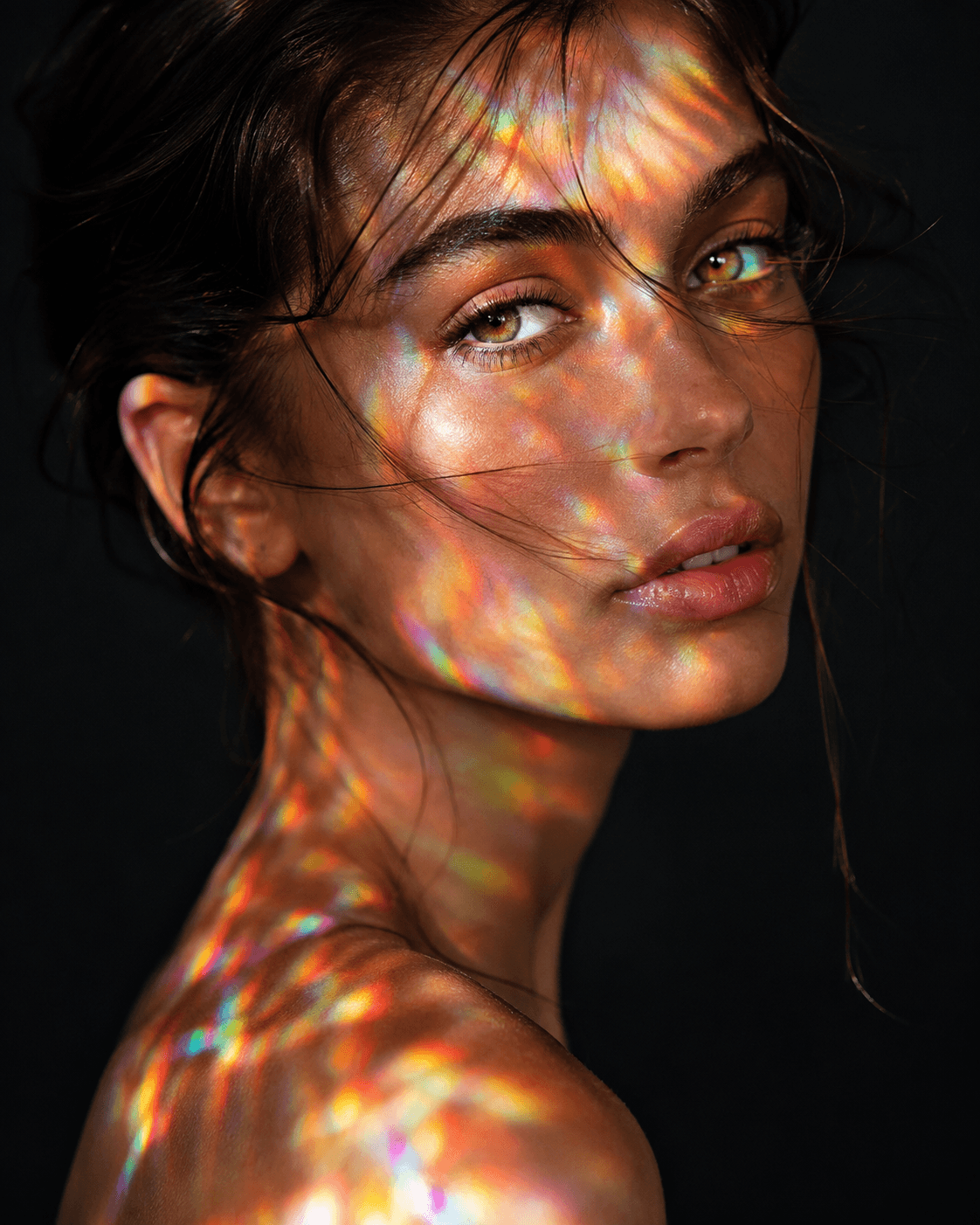
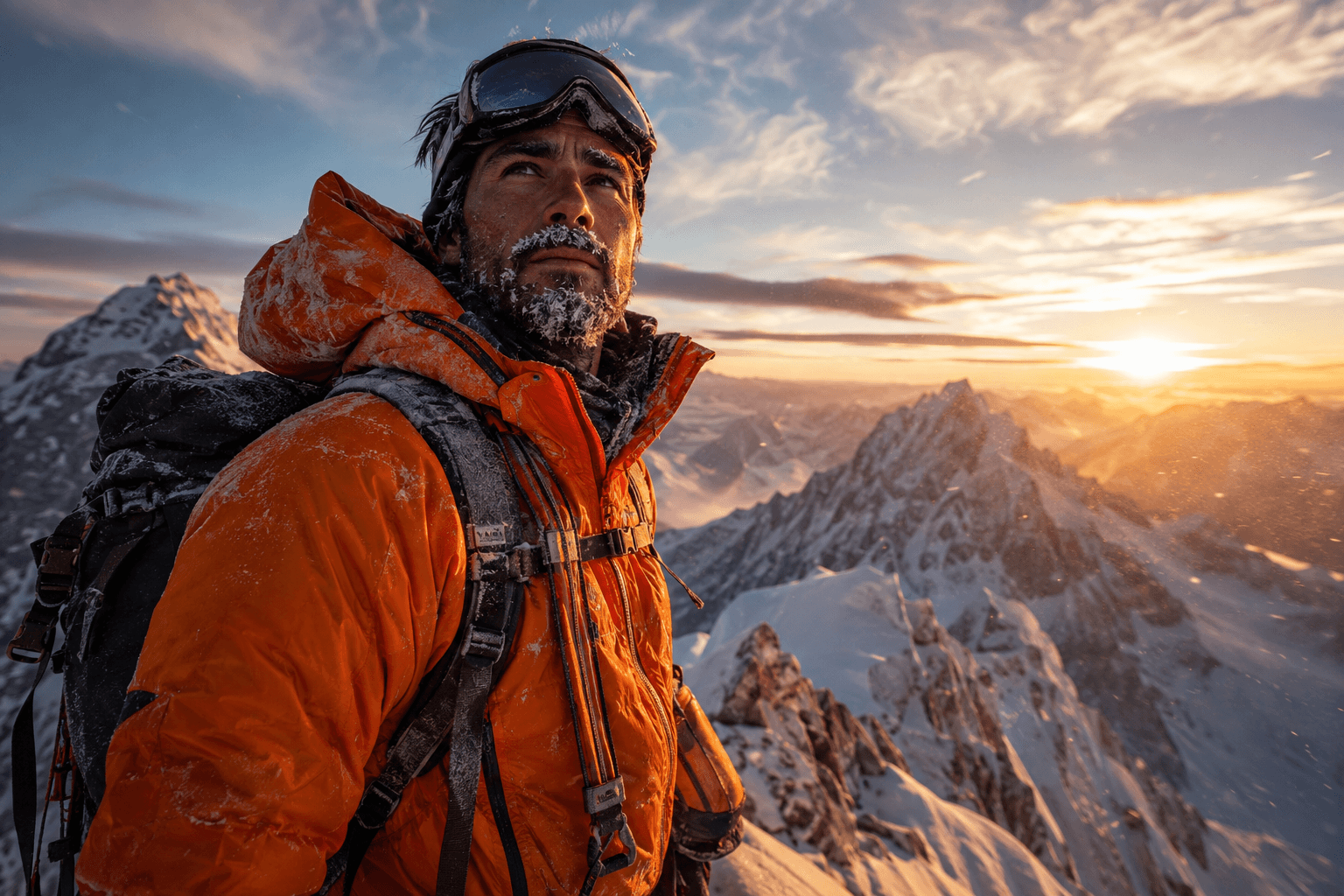
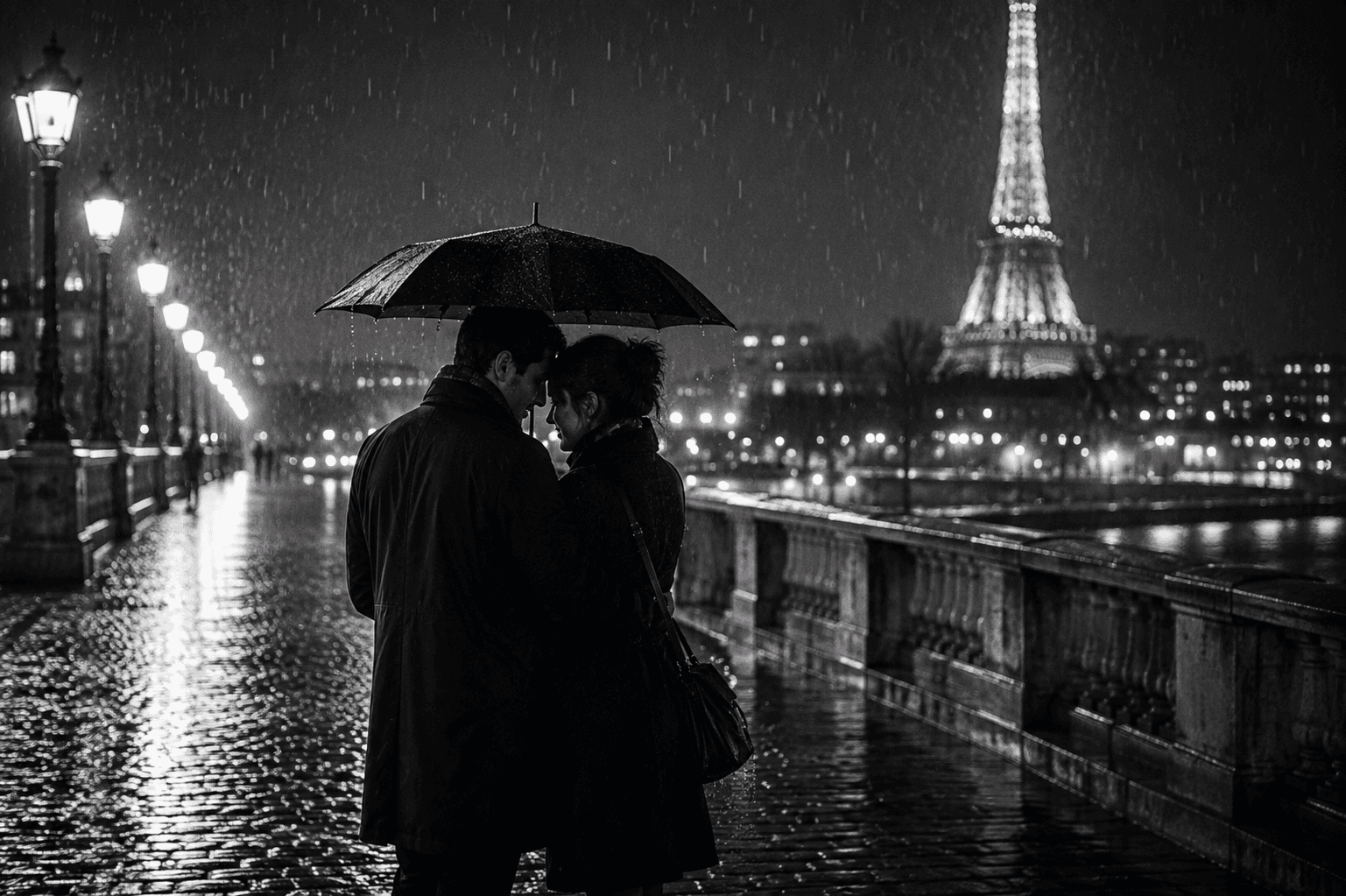
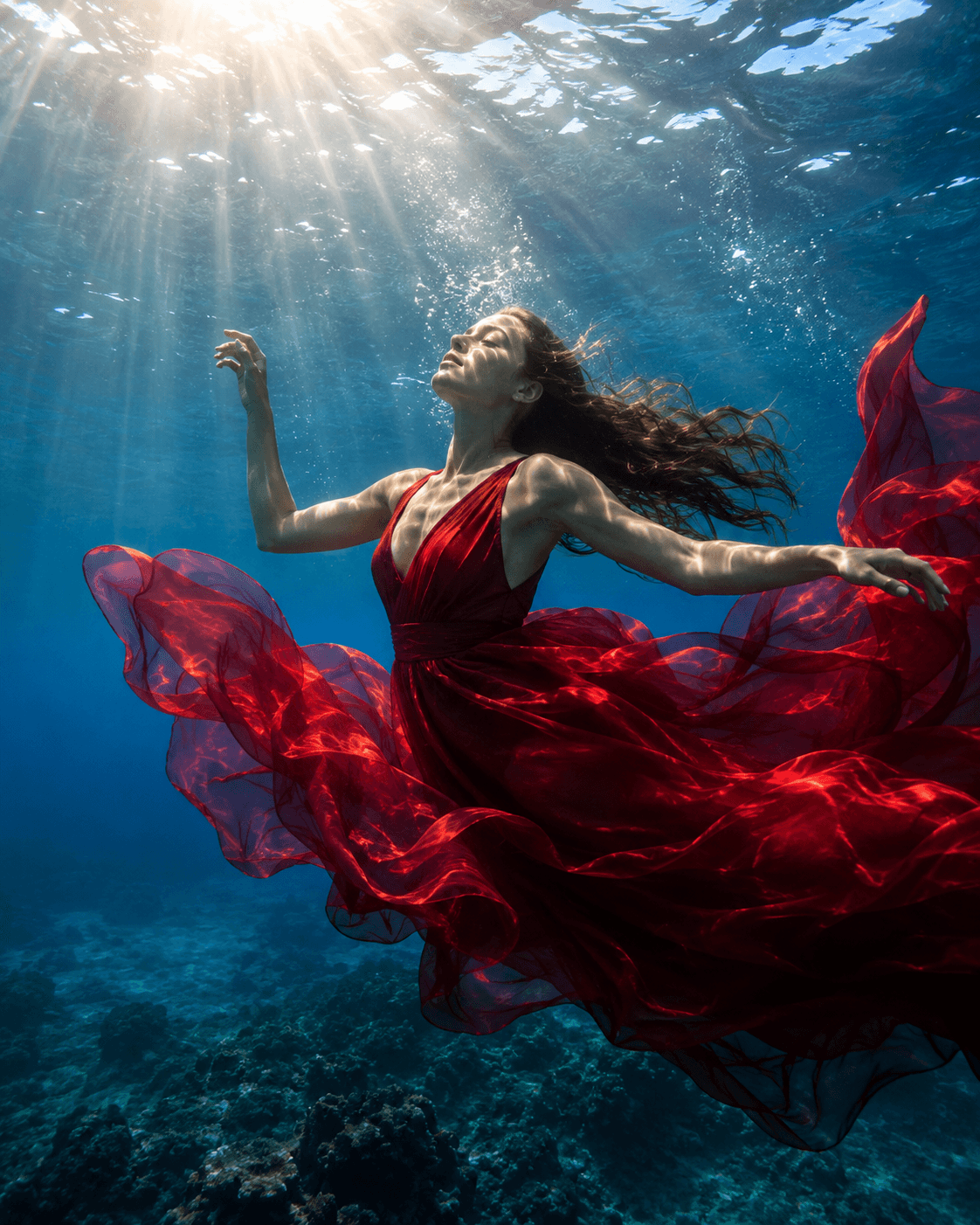
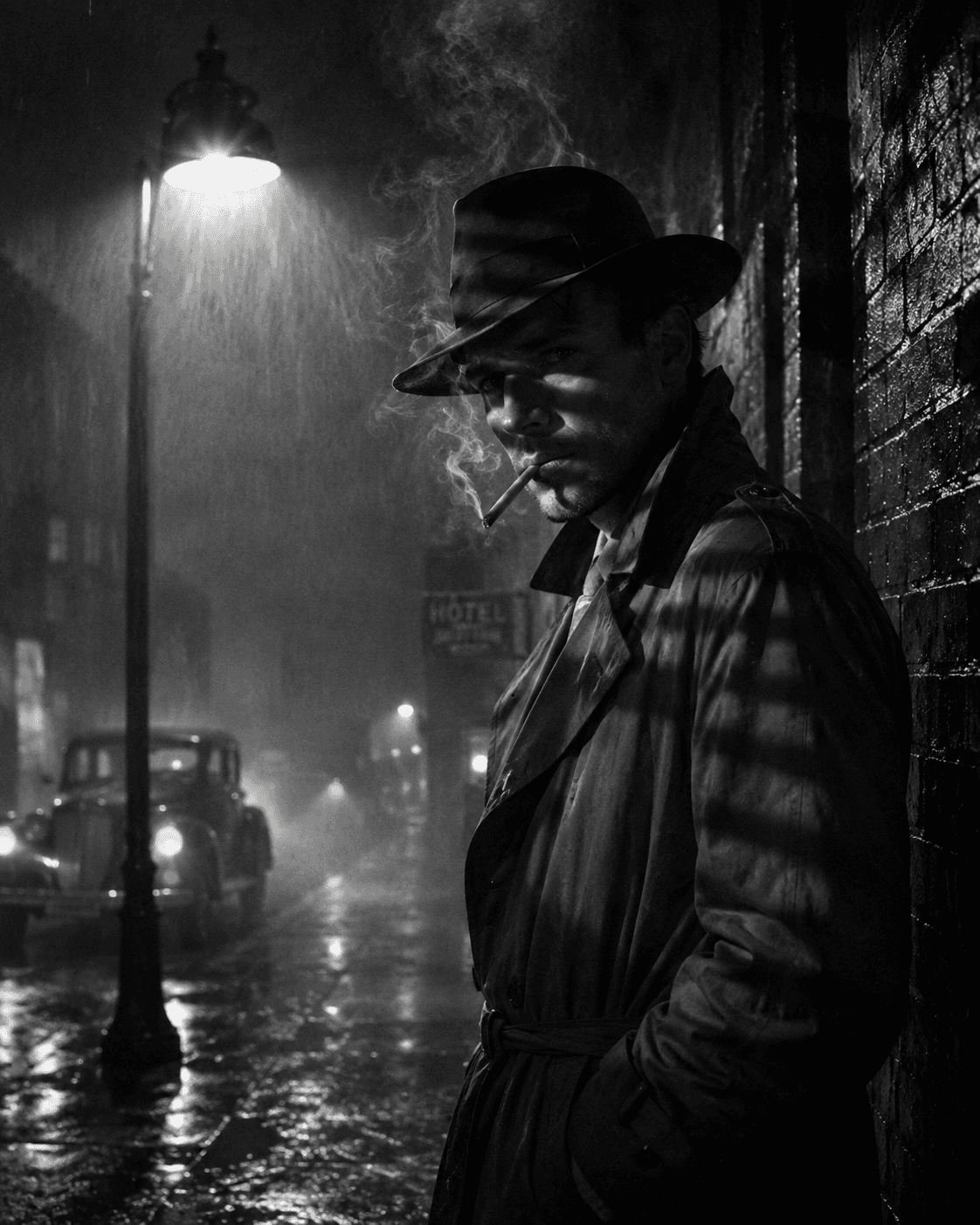
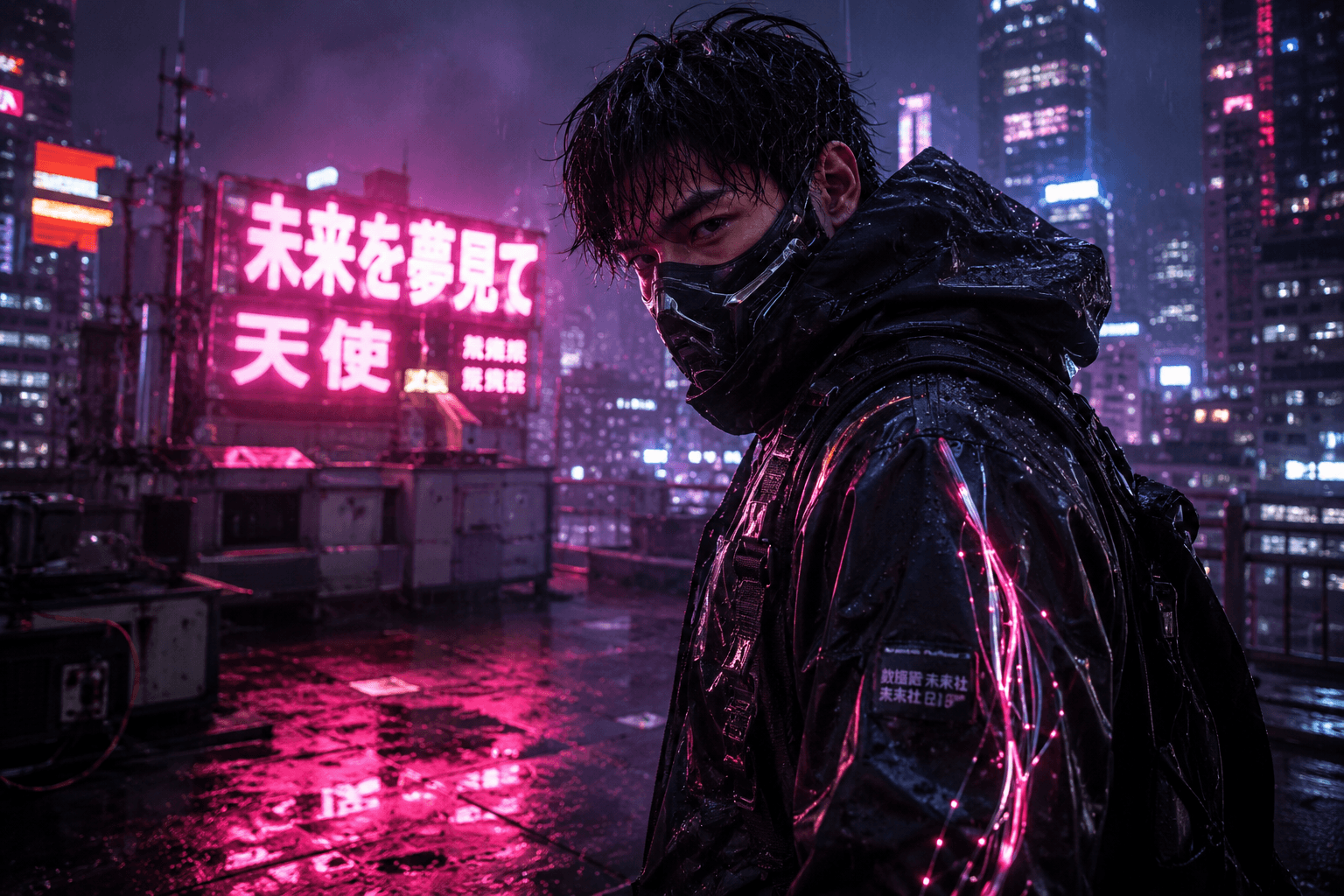
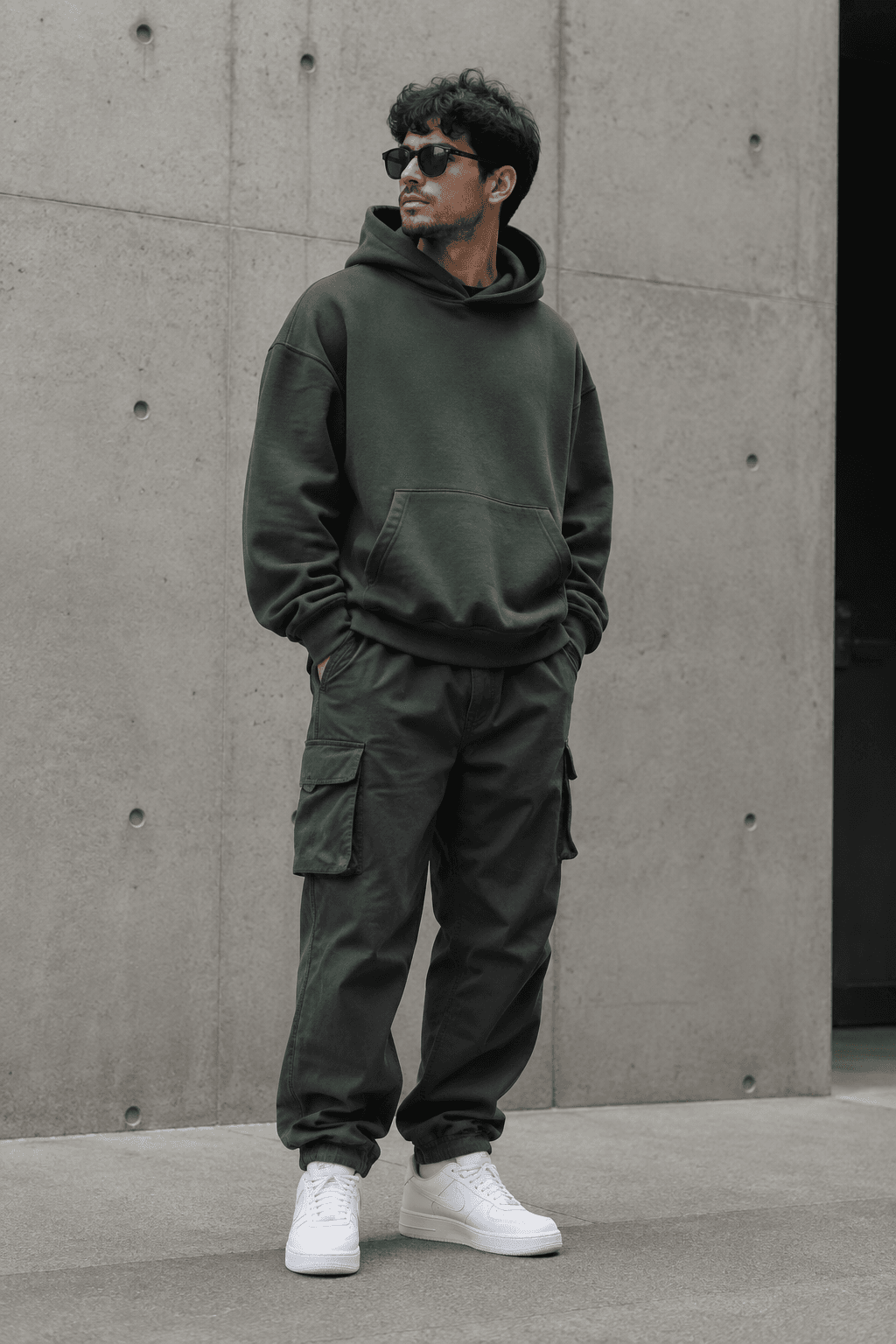
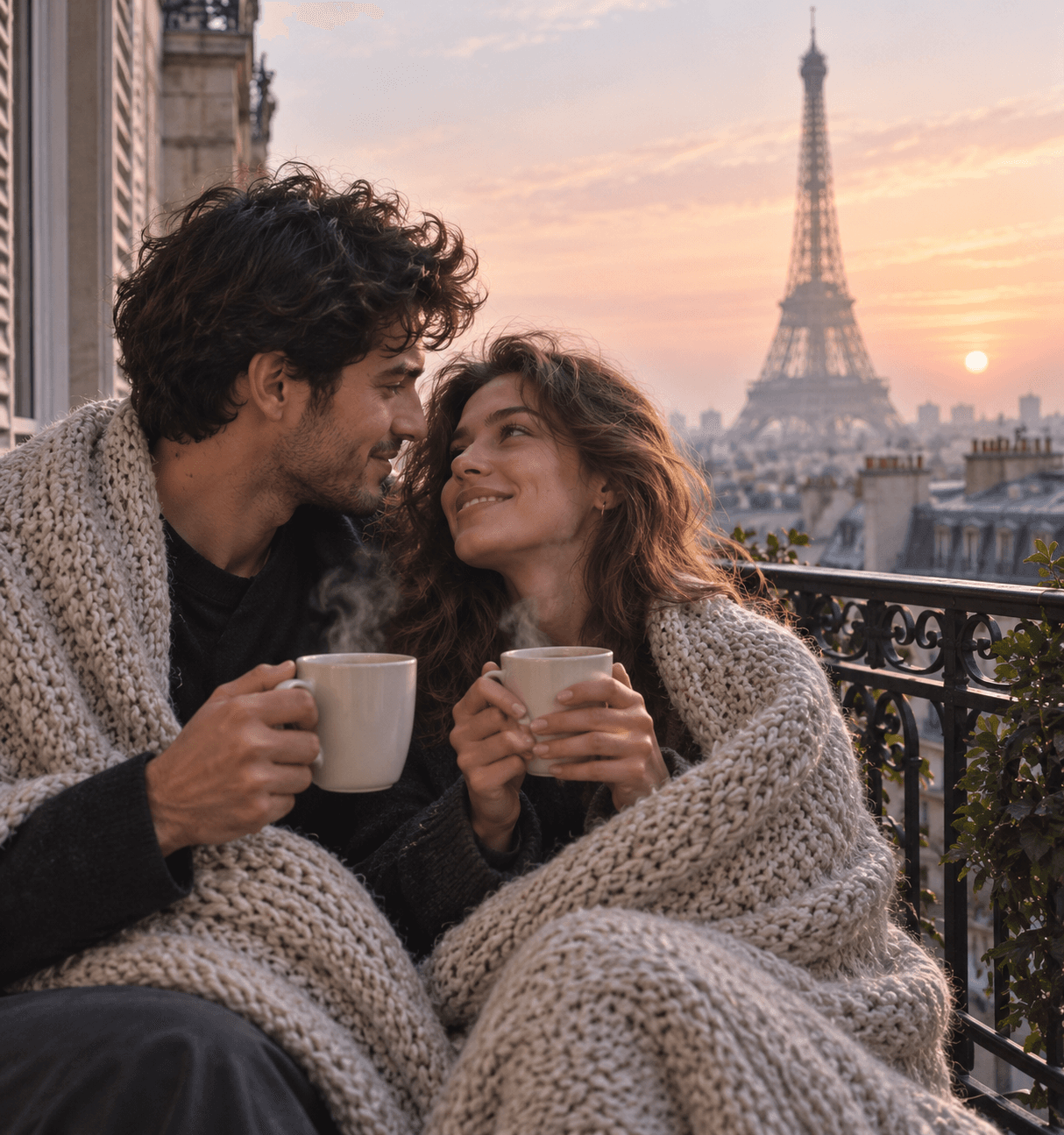
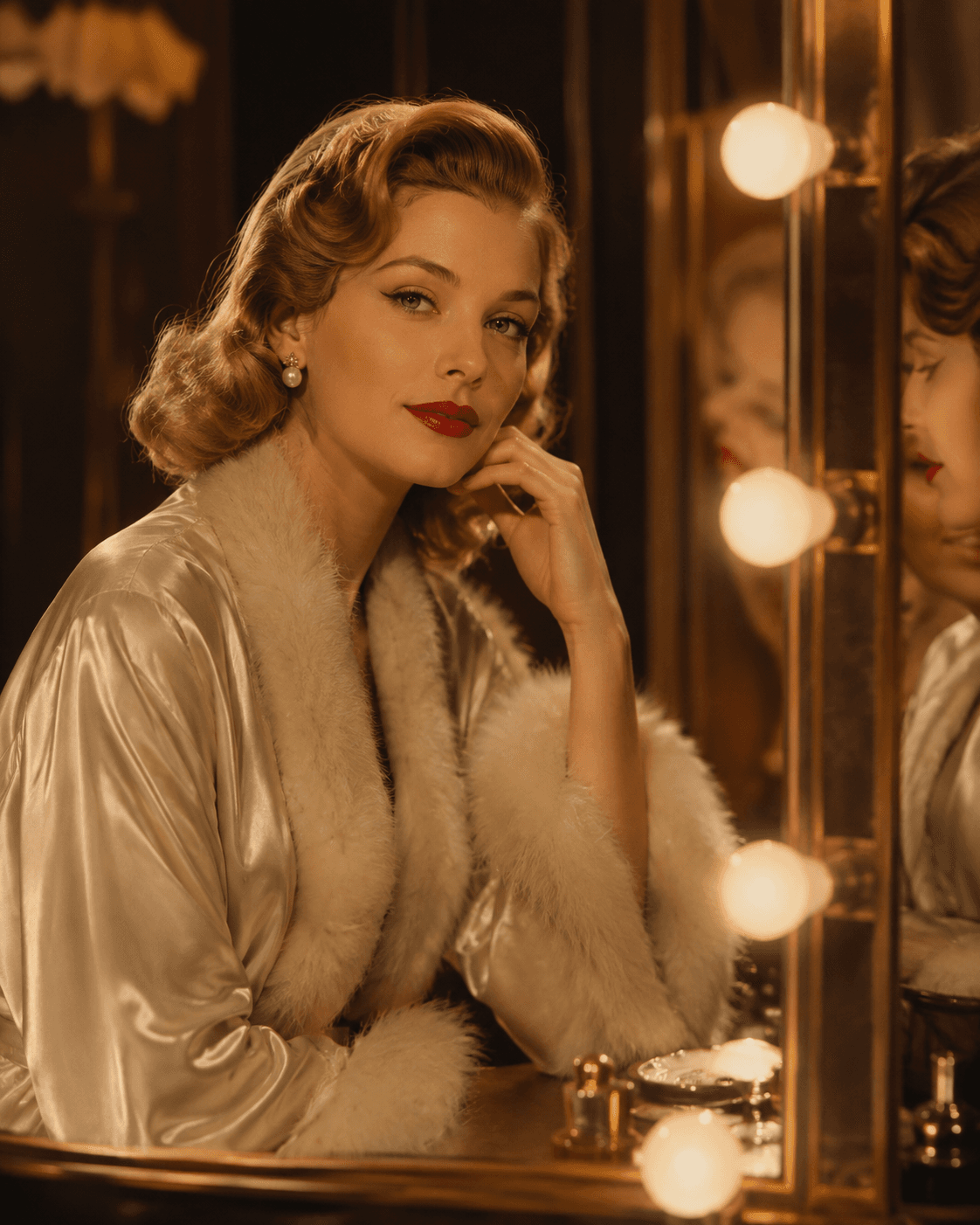
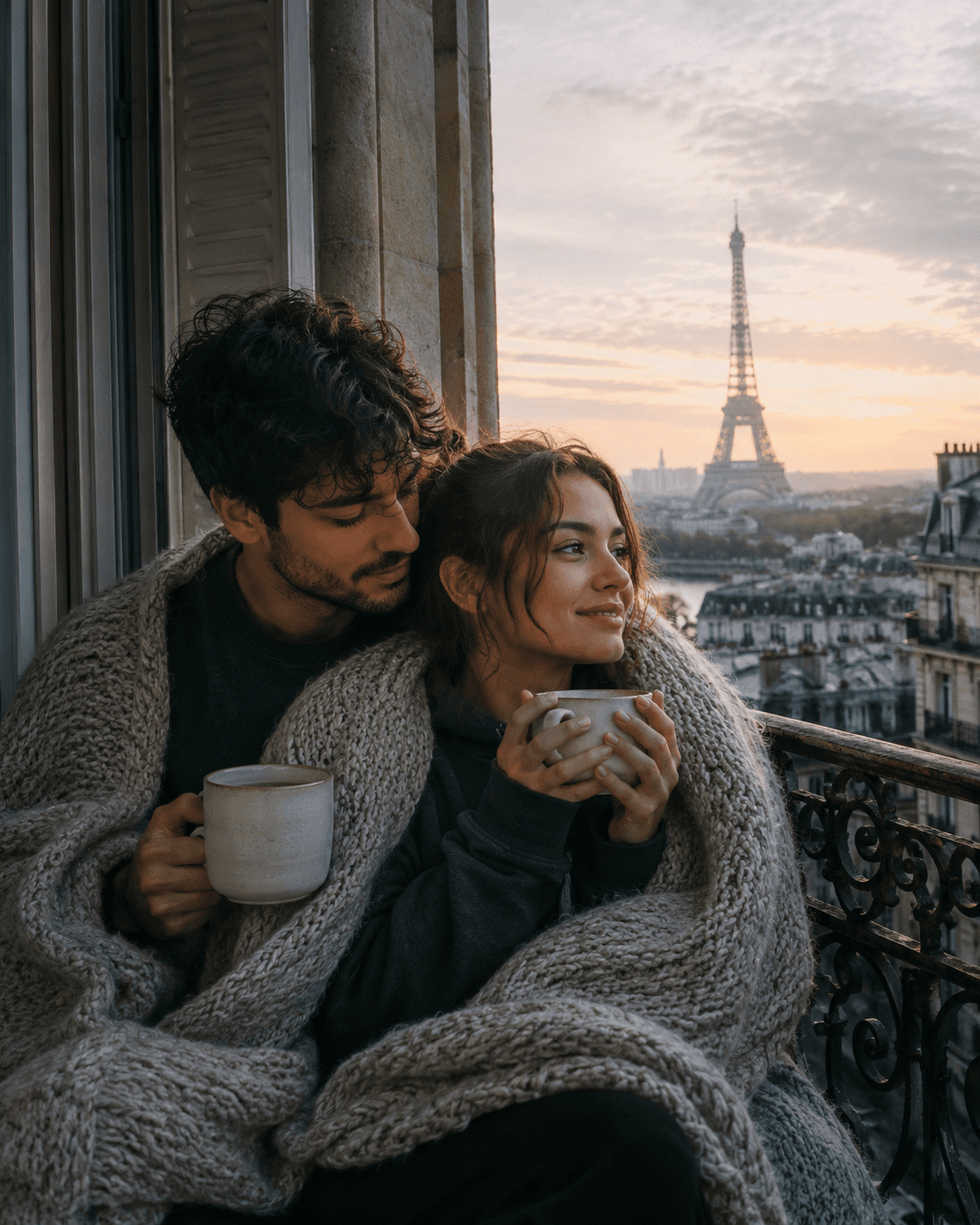
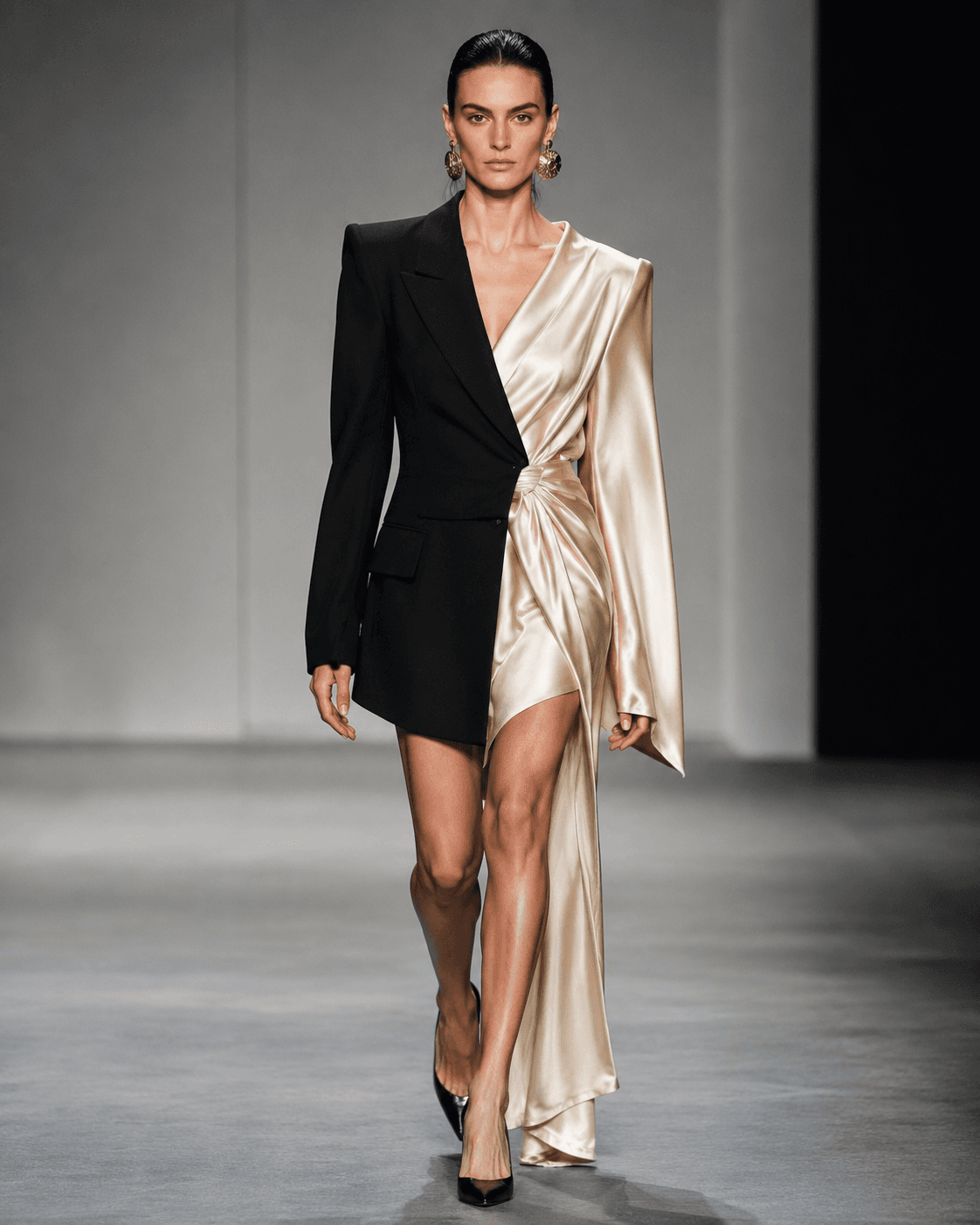
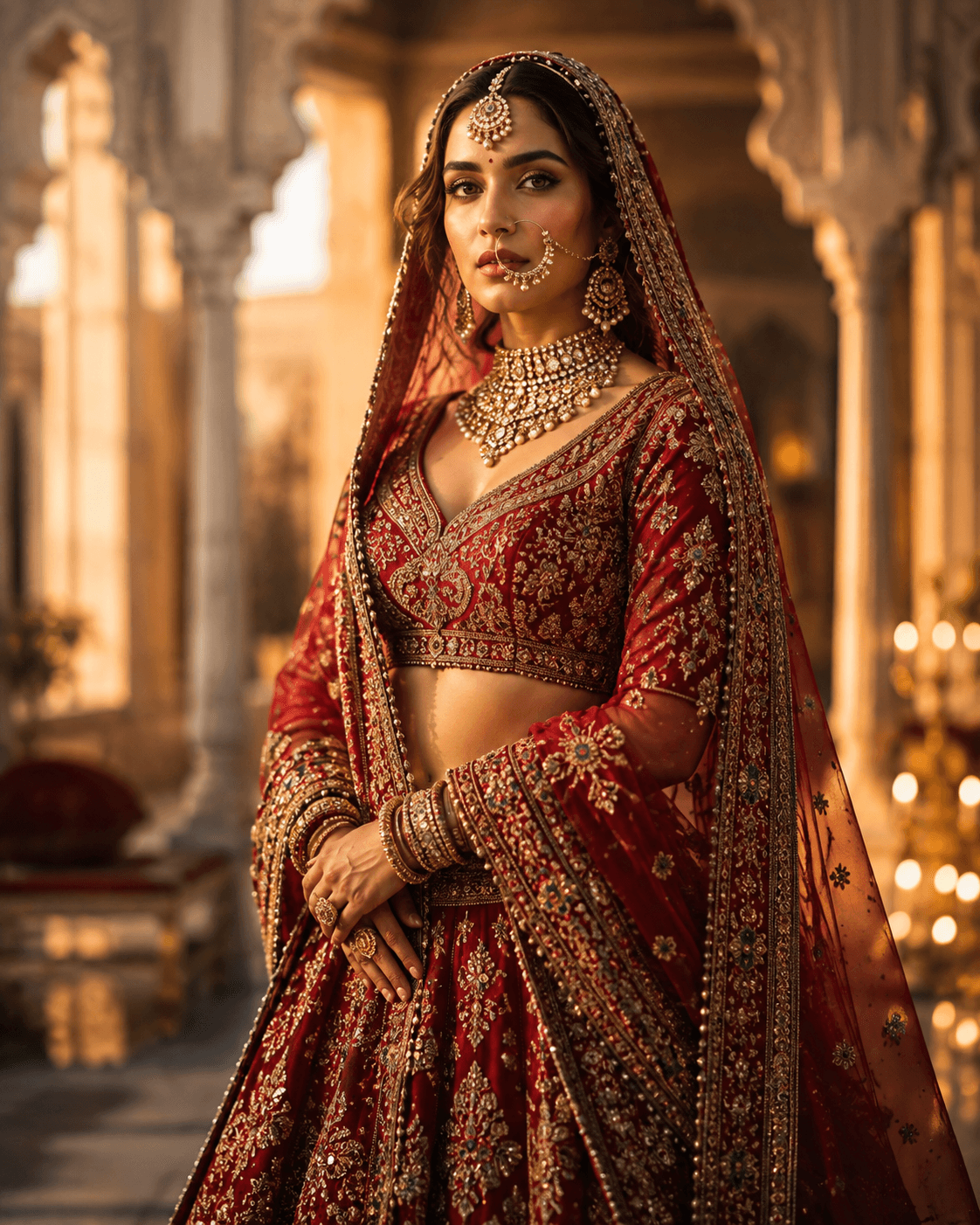
Every prompt below has been written, run and kept because the result was worth keeping. You can see the image each one produced before you spend a generation on it — copy the prompt, paste it into your image generator, and adjust from there.
What makes an AI image prompt work
A prompt that consistently produces good images names four things: the subject, the setting, the lighting, and the medium it is imitating. "A woman in a red coat" leaves all four to chance. "A woman in a scarlet wool coat on a rain-slicked Tokyo street at night, neon reflections, shot on 35mm film, shallow depth of field" fixes them. Every prompt in this library is written that way, which is why they transfer between models instead of only working in the one they were written for.
The same prompt behaves differently in each model
Midjourney leans painterly and will beautify a plain description on its own. DALL·E follows instructions more literally and is the safer choice when the exact arrangement of a scene matters. Gemini is the strongest of the three at rendering readable text inside an image, which makes it the one to reach for on posters, packaging and UI mockups. Stable Diffusion gives you the most control but expects the most specific wording. When a prompt lands differently than you expected, the model is usually the reason — not the prompt.
Editing a prompt instead of starting over
Most disappointing results are fixed by changing one clause, not by rewriting. If the image is too busy, cut adjectives rather than adding "simple". If the lighting is flat, name a real lighting setup — golden hour, softbox, hard rim light. If the subject is off-centre, describe the framing: close-up, wide shot, centred composition. Change one thing per generation so you can tell what actually moved the result.